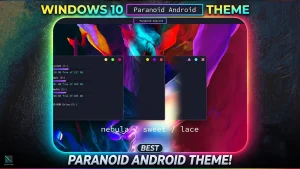

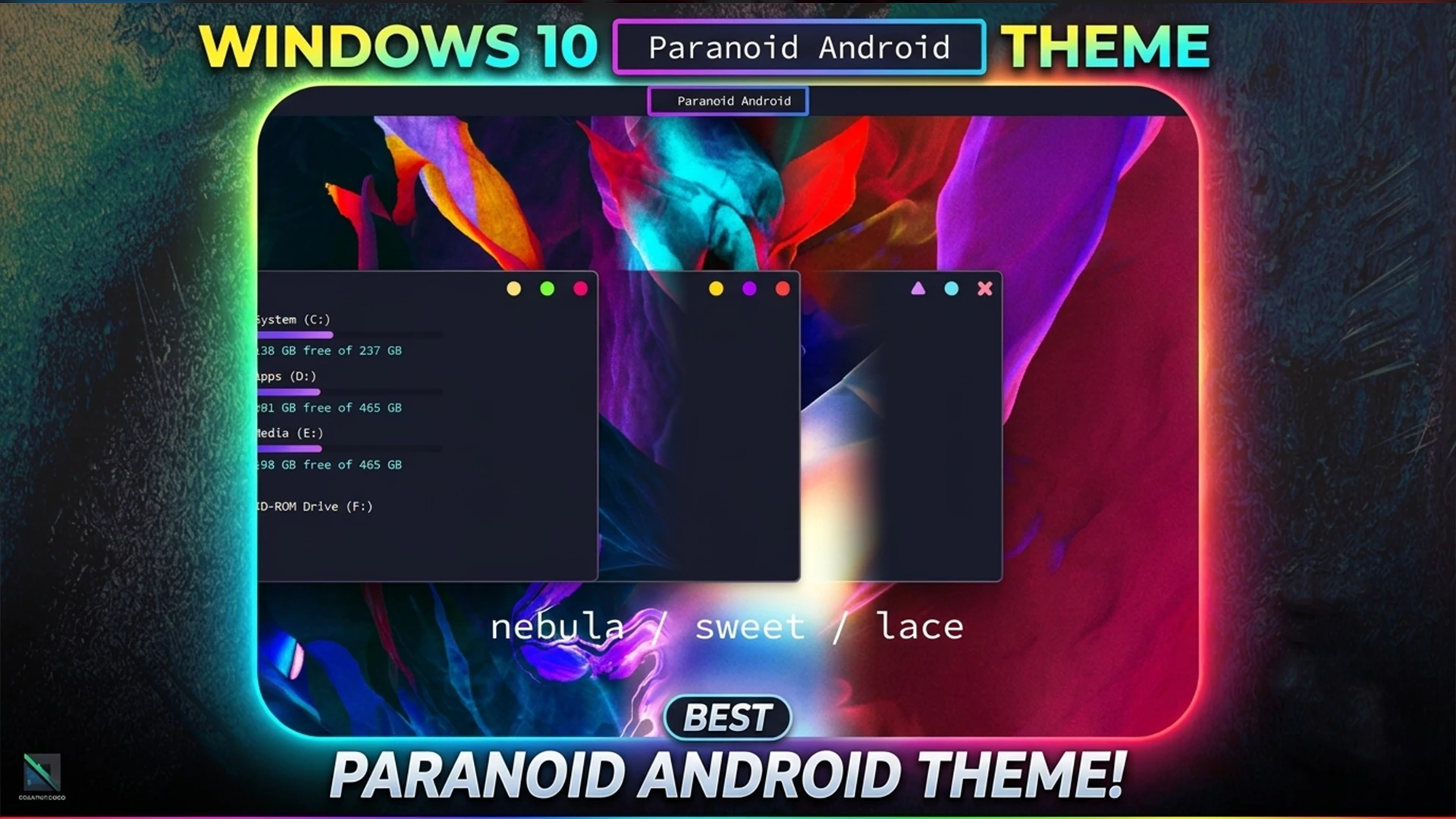
Paranoid Android Theme For Windows 10
The Paranoid Android Theme For Windows 10 is a futuristic and Android-inspired Windows customization theme designed for users who want a dark, modern, and technology-focused desktop setup. If you enjoy cyber-style interfaces, clean layouts, and bold visual accents, this theme can give your Windows 10 desktop a unique and premium appearance.
Thi Paranoid Android Theme For Windows 10 focuses on a dark minimal interface with modern UI styling and subtle futuristic elements. It is suitable for users who want a stylish desktop for daily work, study, browsing, gaming, content creation, and personal customization. The Paranoid Android Theme gives Windows 10 a fresh look while keeping the interface practical and easy to use.
Theme Overview
The main purpose of the Paranoid Android Theme is to transform the default Windows 10 appearance into a more advanced and cyber-inspired interface. It uses dark tones, clean spacing, and modern visual elements to create a consistent desktop style. The design is inspired by futuristic Android-style aesthetics and high-tech user interface concepts.
Unlike ordinary Windows themes, this theme gives the desktop a stronger visual identity. It can make windows, menus, borders, and other interface elements look more refined and immersive. At the same time, the theme keeps the layout clean enough for everyday use.
Key Features of Paranoid Android Theme
- Futuristic Android-inspired Windows 10 visual style.
- Dark and modern desktop appearance.
- Clean UI layout with cyber-style design elements.
- Minimal interface suitable for productivity and daily use.
- Lightweight theme package for personal customization.
- Good choice for users who prefer tech-inspired desktop setups.
Compatibility
This Paranoid Android Theme For Windows 10 is mainly created for Windows 10. Before applying the Paranoid Android Theme, make sure your Windows version and build number are compatible with the theme files. Some third-party Windows themes may not work properly after major Windows updates, so checking compatibility before installation is always recommended.
- Windows 10
- Download & Install windhawk.
- install & Open Windows 11 Settings Styler
- Go to the Advanced tab
- Copy the content below and paste it into the text box and click “Save”.
- For more details, visit this GitHub guide
- For more Windhawk Styler, visit Check My Theme Category
What Is Included in This Theme?
The download package includes the main theme files required to apply the Paranoid Android visual style on Windows 10. The package is lightweight and simple, making it easy to download and use for personal desktop customization.
- Windows 10 Theme Files
Before You Install
Before installing any third-party Windows theme, you should follow some basic safety steps. Custom Windows themes may require additional tools or theme patching depending on your Windows setup. If you are new to Windows customization, read the instructions carefully before applying the theme.
- Create a system restore point before applying the theme.
- Check your Windows 10 version and build number.
- Extract the downloaded ZIP file before using the theme files.
- Scan the downloaded file with antivirus software.
- Do not replace or modify system files without proper knowledge.
- Use only trusted customization tools that support your Windows version.
How to Apply the Theme
The installation process may vary depending on your Windows version and customization setup. In general, you should download the ZIP file, extract it, check the included files, and apply the theme using the recommended Windows theme method or a supported customization tool.
- Download the Paranoid Android Theme ZIP file from the download button below.
- Extract the ZIP file using WinRAR, 7-Zip, or Windows built-in extractor.
- Open the extracted folder and check the available theme files.
- Create a system restore point before applying the theme.
- Apply the theme using the proper Windows theme method or supported customization tool.
- Restart your computer if the theme does not apply correctly at first.
Why Choose Paranoid Android Theme?
The Paranoid Android Theme For Windows 10 is a good choice for users who want a dark and futuristic Windows 10 desktop. Many customization themes focus only on simple colors or flat designs, but this theme gives the interface a stronger tech-inspired identity. It can be especially appealing to users who enjoy Android-style customization, sci-fi design, and cyber-themed desktop setups.
The dark visual style can also make the desktop more comfortable during long sessions, especially in low-light environments. Its clean structure helps reduce distractions, while the futuristic design gives the desktop a modern and energetic look. If you want your Windows 10 desktop to feel more unique and advanced, this theme can be a useful option.
Performance and Usability
The Paranoid Android Theme For Windows 10 mainly focuses on visual customization, so it should feel lightweight for normal desktop use. Since it does not rely on heavy animations or complex effects, it can work smoothly on many Windows 10 systems. However, performance and compatibility may vary depending on your device, Windows version, and installed customization tools.
For the best experience, avoid using too many customization tools at the same time. Keep your system updated, follow the installation steps carefully, and always keep a restore point available before making changes to your Windows interface.
Troubleshooting Tips
If the Paranoid Android Theme does not apply correctly, first switch back to the default Windows theme and restart your computer. Then check whether your Windows 10 version supports the theme files. Some themes may require an updated patcher or customization tool after major Windows updates.
- If the theme looks broken, restore the default Windows theme first.
- If UI elements do not change, restart Windows Explorer or reboot your PC.
- If the theme does not work, check whether the required customization tool is installed correctly.
- If the problem continues, remove the theme and restore your previous settings.
- If your system becomes unstable, use the restore point created before installation.
Important Disclaimer
RainXTheme shares Windows customization content for educational and personal customization purposes. The Paranoid Android Theme is a third-party customization resource and is not an official Microsoft product. It is also not affiliated with Android, Google, or any official Android project.
Please use all custom themes carefully. RainXTheme is not responsible for system issues, data loss, compatibility problems, or software conflicts caused by incorrect installation, unsupported Windows versions, or misuse of third-party customization files. Always create a restore point before applying any custom Windows theme.
Final Words
The Paranoid Android Theme For Windows 10 is a dark, futuristic, and tech-inspired theme for users who want a more advanced desktop setup. Its Android-inspired design, clean interface, and lightweight structure make it suitable for everyday use. If you want your Windows 10 desktop to look more modern, bold, and unique, this theme can be a great option to try.