
POST Theme For Windows 10
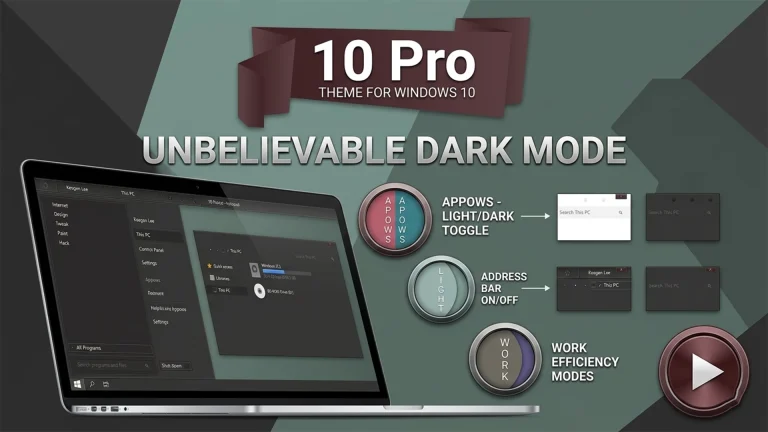
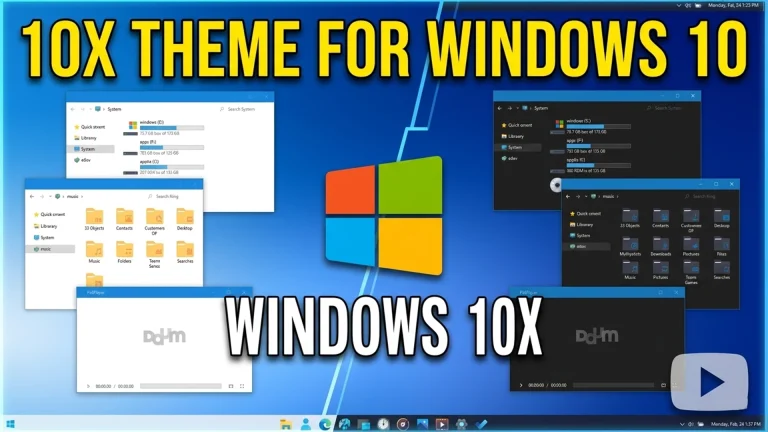
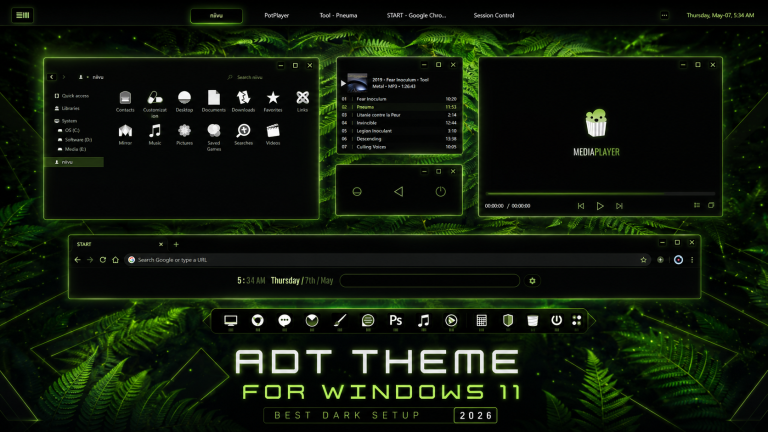
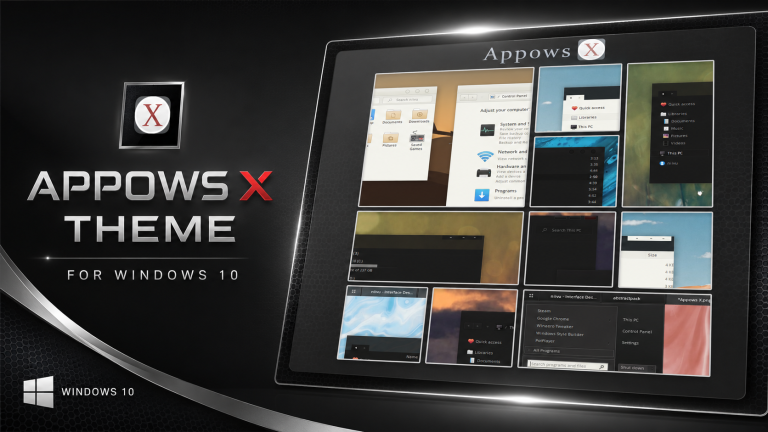
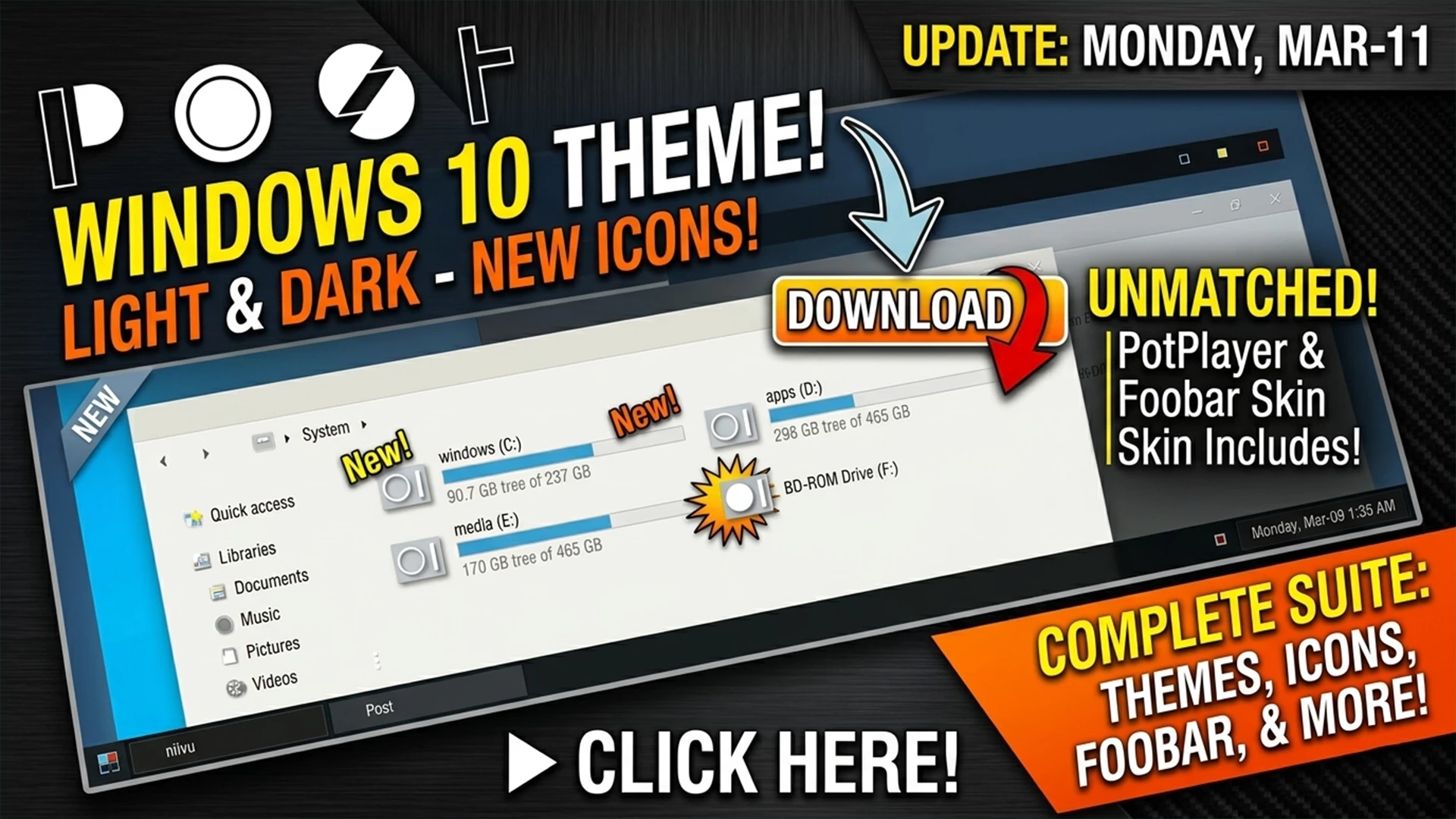
The POST Theme for Windows 10 is a sleek and modern customization pack designed to transform your desktop into a clean, futuristic, and highly minimal workspace. Built for users who love advanced UI styling and professional desktop setups, this theme delivers a balanced combination of dark aesthetics, smooth design, and modern visual consistency.POST Theme For Windows 10 Inspired by post-modern interface design, the POST Theme focuses on simplicity, structure, and clarity. It completely enhances the Windows 10 experience by redesigning essential system elements such as the Start Menu, taskbar, window borders, system icons, and accent colors. The result is a unified and polished desktop environment that feels both modern and efficient.
The POST Theme for Windows 10 features a carefully crafted color palette with deep dark backgrounds, soft contrast layers, and subtle accent highlights. This combination reduces visual noise while improving focus and readability, making it ideal for developers, gamers, content creators, and productivity-focused users.One of the main highlights of this POST Theme For Windows 10 is its ultra-clean UI approach. Every element is optimized for simplicity and usability, creating a distraction-free workspace that enhances workflow and efficiency. The interface feels smooth, responsive, and visually premium..
The POST Theme is also fully compatible with popular Windows customization tools such as Rainmeter, Windhawk, and other personalization software. Users can easily combine widgets, custom icons, and taskbar mods to build a fully personalized and advanced desktop setup.Performance is another strong advantage. The POST Theme for Windows 10 is lightweight and optimized for all systems, ensuring smooth performance without lag or resource-heavy impact. It works perfectly on both low-end and high-end Windows 10 PCs..
- Windows 10
- Download & Install windhawk.
- install & Open Windows 11 Settings Styler
- Go to the Advanced tab
- Copy the content below and paste it into the text box and click “Save”.
- For more details, visit this GitHub guide
- For more Windhawk Styler, visit Check My Theme Category
- Windows 10 Theme