
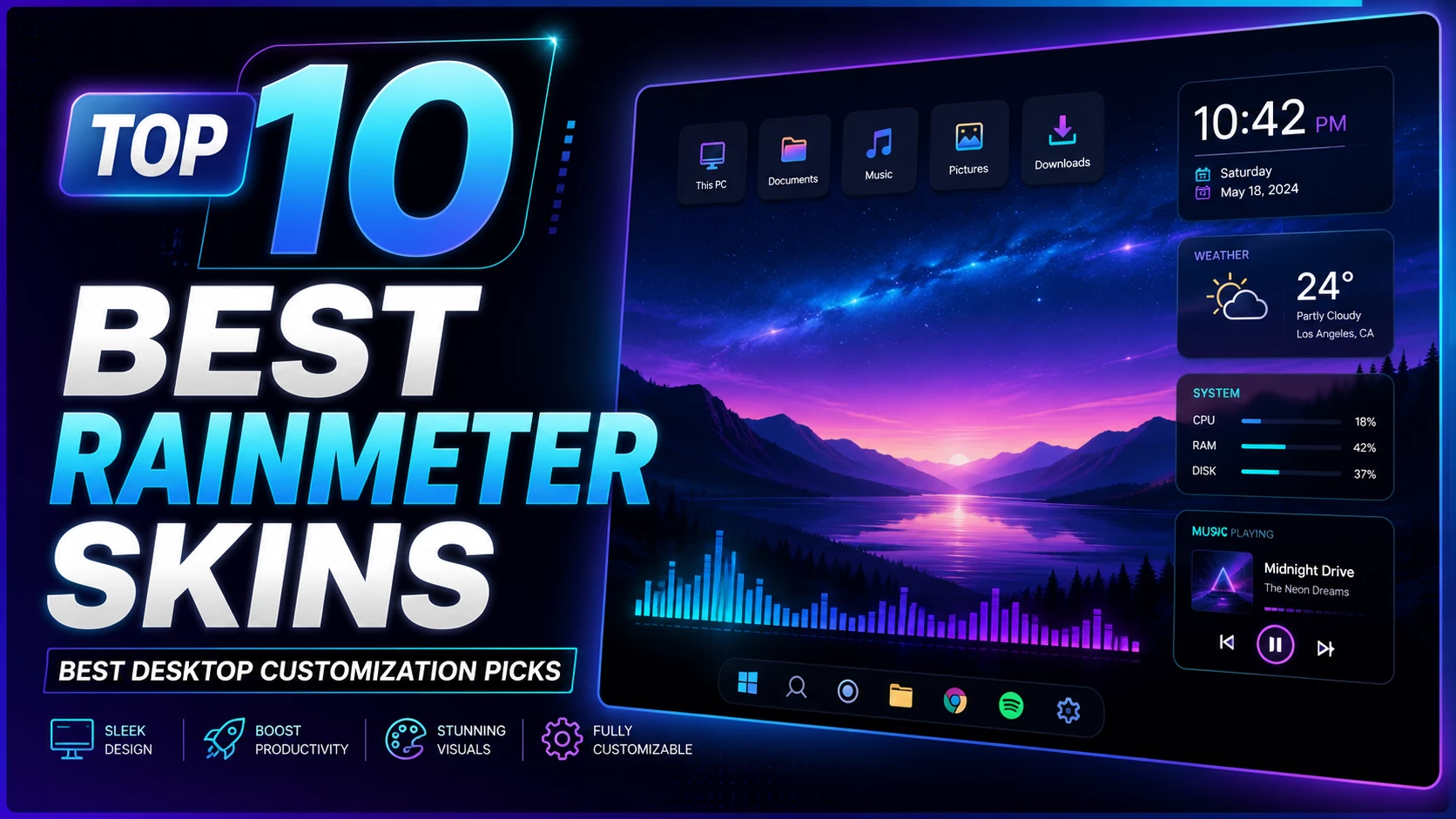
Top 10 Best Rainmeter Skins for Windows Desktop Customization
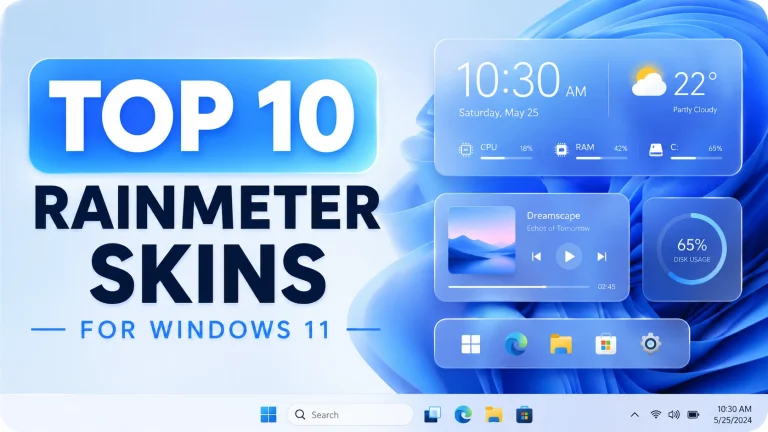
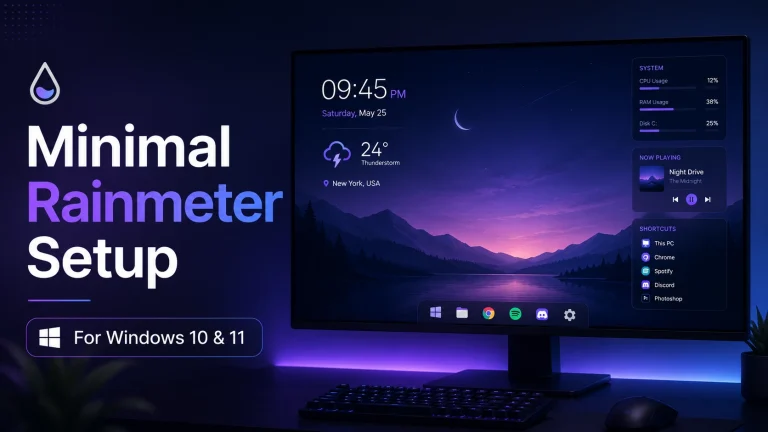
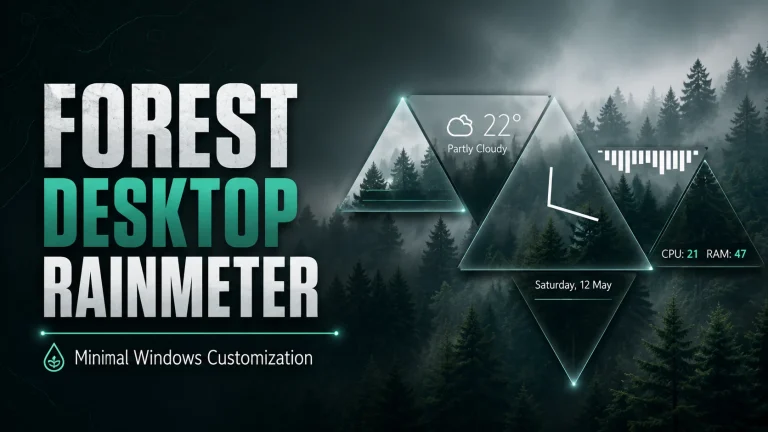
Rainmeter is one of the most popular desktop customization tools for Windows users who want a cleaner, smarter, and more personal desktop setup. With the right Rainmeter skins, you can add app launchers, music visualizers, weather widgets, media controls, system information panels, and stylish desktop elements without changing your full operating system. In this post, I have shared the top 10 best Rainmeter skins and customization resources used in the video. These skins are suitable for Windows 10 and Windows 11 users who want a modern, minimal, aesthetic, or futuristic desktop look.
This Rainmeter setup is designed for users who want both beauty and functionality. Some skins are made for productivity, some are made for music lovers, and others are useful for quick app launching or checking weather information. I have also included the wallpapers and taskbar customization tool used in the video so you can recreate the same desktop style easily. All links below are direct destination links, not shortened links.
Original Resources Used in the Video
1. unFold Launcher
unFold Launcher is a clean and stylish Rainmeter launcher skin that helps you organize your desktop shortcuts in a modern way. Instead of keeping many icons on the desktop, you can use this launcher to access important apps quickly. It works well with minimal wallpapers and gives your Windows desktop a professional look.
2. Mnml UI Rainmeter Skin
Mnml UI is a great choice for users who love simple and clean desktop widgets. It includes minimal-style elements that can make your desktop look organized without adding too much visual clutter. If you are building a productivity-focused Rainmeter setup, Mnml UI can be a very useful skin.
3. Fountain of Colors Visualizer
Fountain of Colors is one of the best Rainmeter music visualizer skins. It reacts to your music and creates beautiful visual bars on your desktop. This skin is perfect for music lovers, gamers, and users who want their desktop to feel more dynamic. You can use it with dark wallpapers, colorful themes, or minimal setups.
4. Flat and Blurry
Flat and Blurry gives your Rainmeter desktop a soft, smooth, and modern appearance. It matches very well with blur-style themes, glass effects, and clean Windows customization setups. If you want a premium-looking desktop without making it too complicated, this skin is a good option.
5. Do I Need a Jacket Weather Skin
Do I Need a Jacket is a practical Rainmeter weather skin. It helps you quickly check the weather and decide whether you need a jacket before going outside. This skin is useful for daily desktop use because it combines simple design with real-life functionality.
6. Circle Launcher Skin
Circle Launcher is a creative Rainmeter launcher skin with a circular design. It gives your desktop a unique and futuristic look while keeping your favorite applications easy to access. This skin is ideal for users who want a different style from the normal Windows desktop.
7. LIM!T Rainmeter Skin
LIM!T is a popular Rainmeter skin for users who like minimal desktop information. It can show useful details such as time, date, and system-related widgets in a clean layout. LIM!T is best for users who want a balanced setup with both style and useful information.
8. Honeycomb Skin
Honeycomb is one of the most famous Rainmeter launcher skins. It uses hexagon-style icons to create a clean and attractive desktop launcher. Honeycomb is great for users who want a modern app launcher and a more organized desktop without using the default Windows icons.
9. Simple Media Skin
Simple Media is a clean media control skin for Rainmeter. It allows you to control music from your desktop while keeping the design minimal. If you want a simple music control widget that looks good with modern wallpapers, Simple Media is a strong choice.
10. TranslucentTaskbar
TranslucentTaskbar is not a Rainmeter skin, but it is an important Windows customization tool for this setup. It helps make your taskbar transparent and cleaner, which makes the whole Rainmeter desktop setup look more premium. When combined with Rainmeter skins and matching wallpapers, it creates a complete modern desktop design.
Final Thoughts
These top Rainmeter skins can completely change the way your Windows desktop looks and feels. Whether you want a minimal desktop, a music visualizer, a weather widget, a launcher, or a clean media control panel, this collection gives you useful options for building a beautiful Windows customization setup. For the best result, install Rainmeter first, download the skins from the original links, apply the wallpapers, and customize each widget according to your screen size and personal style.