
Forest Desktop Rainmeter Setup for Windows Customization
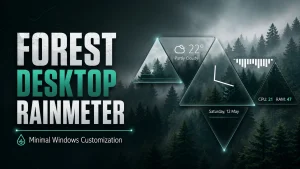
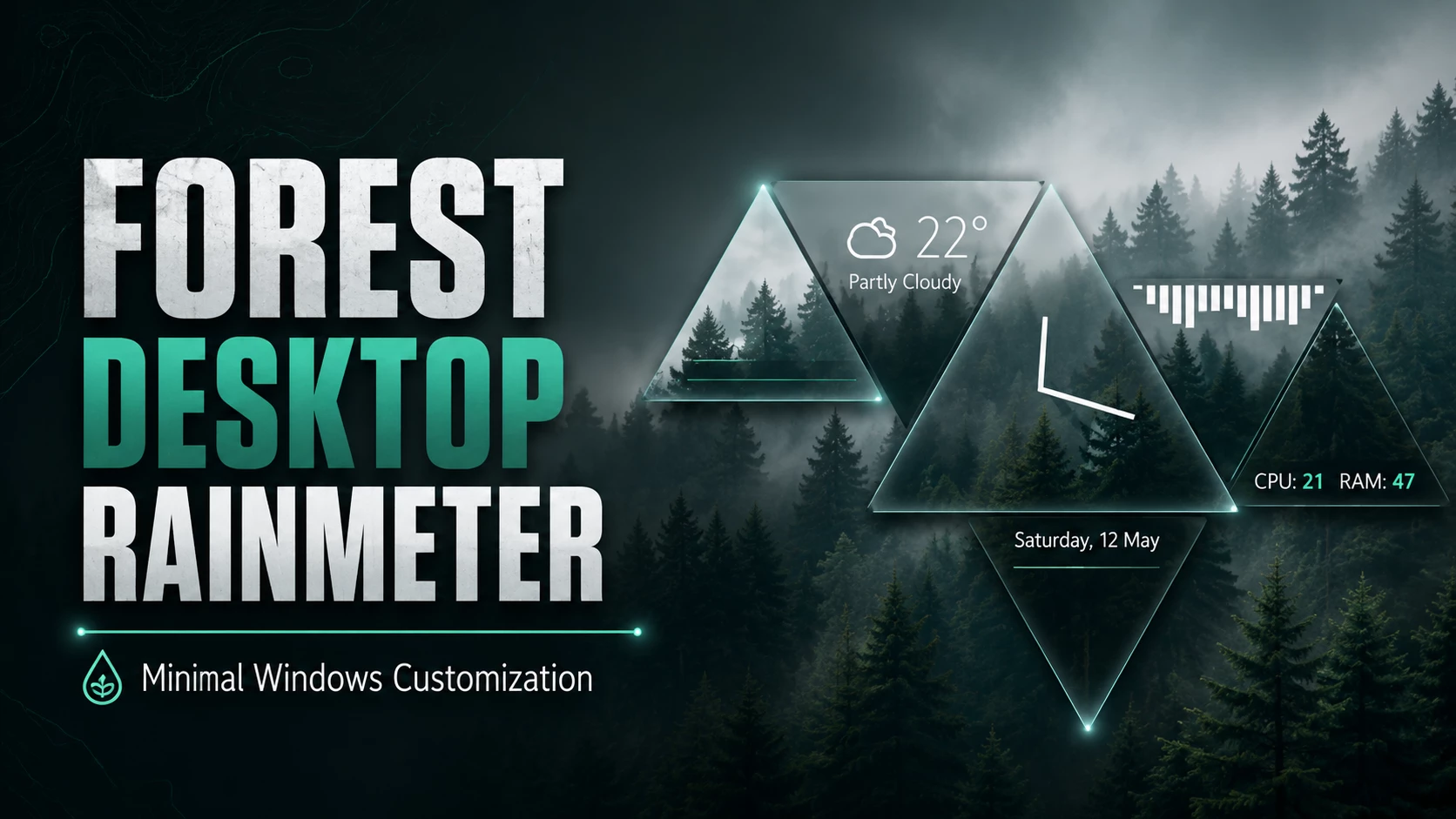
Forest Desktop Rainmeter is a beautiful Windows desktop customization setup designed for users who love a clean, natural, and relaxing desktop look. This setup combines a forest-style wallpaper, Rainmeter widgets, a blurry taskbar effect, a music visualizer, and the Amnio Rainmeter skin to create a modern desktop experience. If you are bored with the default Windows desktop and want something more aesthetic, this Rainmeter setup is a great choice for both Windows 10 and Windows 11 users.
The main idea of this setup is to create a calm and minimal desktop environment while still keeping useful features available. The forest wallpaper gives the desktop a natural background, while Rainmeter adds widgets and visual elements on top of it. The blurry taskbar effect helps the Windows taskbar blend smoothly with the wallpaper, making the whole desktop look more premium. With the Fountain of Colors visualizer, you can also add a live music-reactive effect that moves with your audio.
This Forest Desktop Rainmeter setup is perfect for users who like nature-inspired themes, minimal desktop layouts, and stylish Windows customization. It does not make the desktop look too crowded. Instead, it focuses on a clean layout with useful skins and visual effects. Whether you use your PC for study, work, music, browsing, or productivity, this setup can make your desktop feel more personal and enjoyable.
Download Links Used in This Setup
- Download Forest Wallpaper
- Download Rainmeter
- Download Blurry Taskbar Effect Skin
- Download Fountain of Colors Visualizer
- Download Amnio Rainmeter Skin
Forest Wallpaper
The forest wallpaper is the main visual base of this desktop setup. A good wallpaper is very important for any Rainmeter theme because all widgets, icons, visualizers, and taskbar effects should match the background. This forest wallpaper gives a calm and natural feeling, making the desktop look peaceful and clean. It works especially well with minimal widgets and transparent taskbar effects.
Rainmeter
Rainmeter is the main desktop customization software needed for this setup. After installing Rainmeter, you can add different skins, widgets, clocks, visualizers, system monitors, launchers, and other desktop elements. Without Rainmeter, the Amnio skin and Fountain of Colors visualizer will not work properly. That is why Rainmeter should be installed first before applying the other resources.
Blurry Taskbar Effect Skin
The blurry taskbar effect helps your Windows taskbar look cleaner and more modern. Instead of having a normal solid taskbar, this effect makes the taskbar blend with the forest wallpaper. It adds a soft blur and transparent style, which makes the desktop feel more polished. This is a small change, but it can make the full Rainmeter setup look much more professional.
Fountain of Colors Visualizer
Fountain of Colors is a popular Rainmeter music visualizer that reacts to your audio. When you play music, the visualizer creates moving bars on your desktop. It is a great choice for users who enjoy music and want their desktop to feel more alive. In this forest desktop setup, the visualizer adds movement and energy without ruining the clean look of the theme.
Amnio Rainmeter Skin
Amnio is a clean and beautiful Rainmeter skin suite. It includes useful desktop elements that can improve both the look and functionality of your Windows desktop. The design is simple, modern, and easy to match with forest wallpapers. Amnio is suitable for users who want a desktop that looks stylish but still remains practical for daily use.
How to Use This Forest Desktop Rainmeter Setup
- Download and install Rainmeter from the official website.
- Download the forest wallpaper and set it as your desktop background.
- Install the Amnio Rainmeter skin.
- Add the Fountain of Colors visualizer for music effects.
- Apply the blurry taskbar effect to make the taskbar match the theme.
- Adjust widget positions according to your screen size and preference.
Final Words
Forest Desktop Rainmeter is a simple but attractive Windows customization setup for anyone who wants a natural and modern desktop. The combination of forest wallpaper, Rainmeter widgets, blurry taskbar effect, Fountain of Colors visualizer, and Amnio skin creates a balanced desktop style. It is clean enough for productivity, stylish enough for customization lovers, and easy enough for beginners to try. If you want to give your Windows desktop a fresh look, this Rainmeter setup is definitely worth using.