
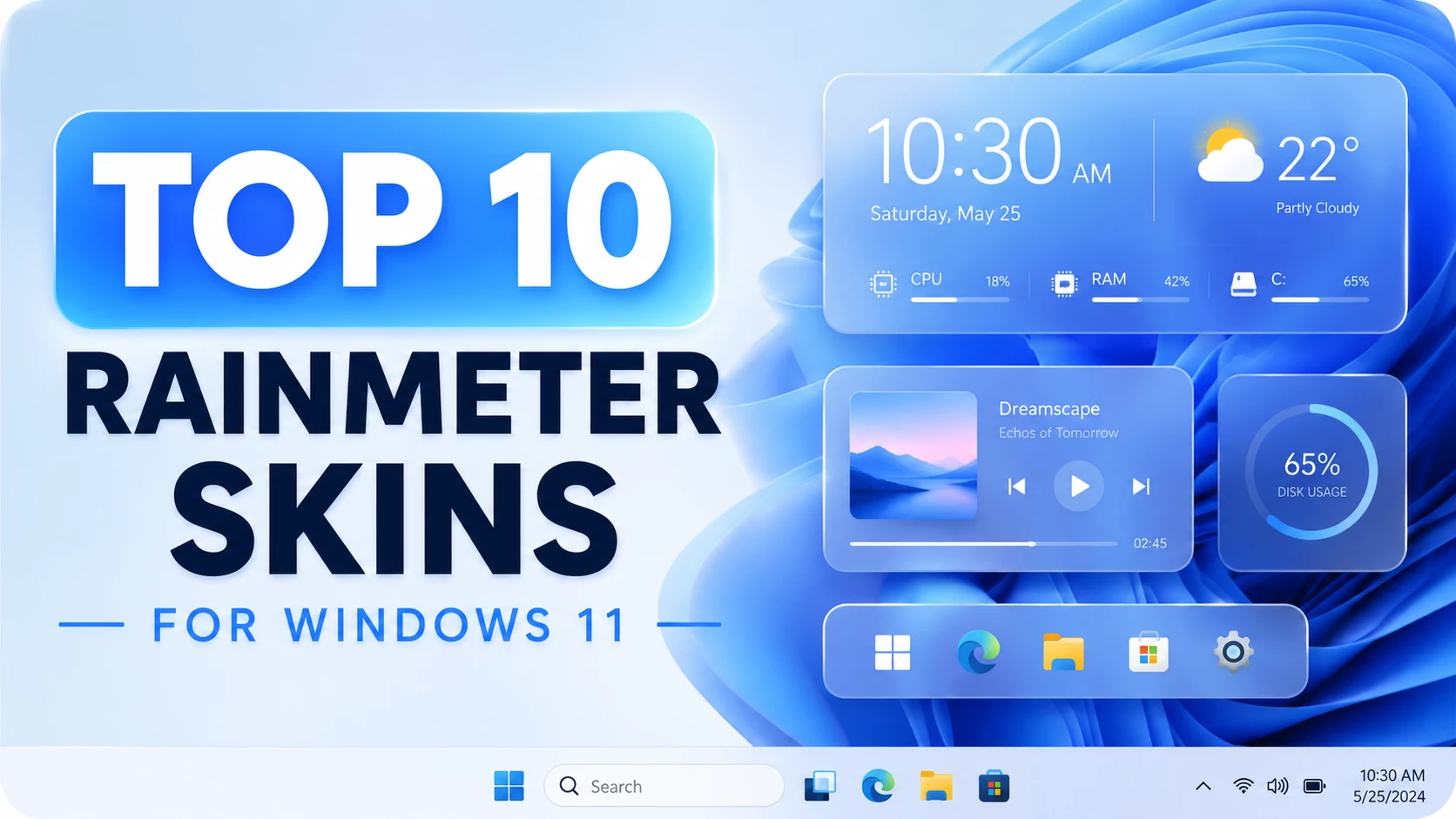
Top 10 Rainmeter Skins for Windows 11 – Best Desktop Customization Setup
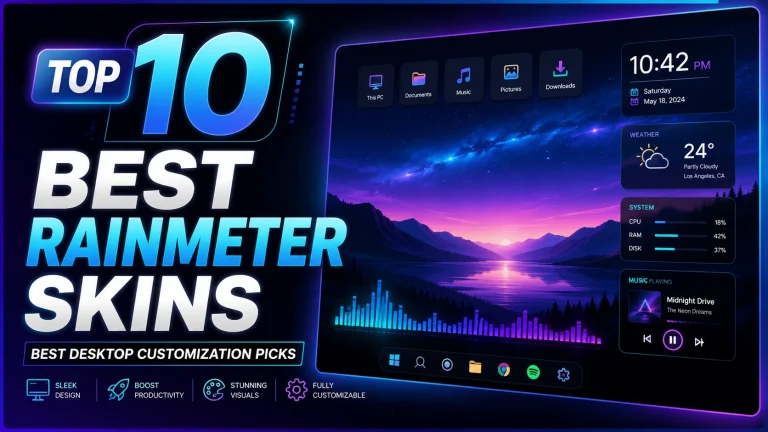
If you love Windows customization, this post is for you. In this guide, I am sharing the Top 10 Rainmeter Skins used in the video to create a modern, clean, futuristic and professional desktop setup. Rainmeter is one of the most popular desktop customization tools for Windows users because it allows you to add widgets, docks, clocks, system monitors, music players, weather panels and stylish UI elements directly on your desktop.
These Rainmeter skins are suitable for Windows 11 and Windows 10 users who want to make their desktop look more beautiful without changing the full operating system. From macOS-style widgets to minimal pill-shaped designs, this list includes different styles for every type of user. You can use one skin only or combine multiple Rainmeter skins to create your own unique desktop layout.
Before installing any skin, make sure you have the official Rainmeter app installed on your PC. Always download files from the original creator page or trusted source. Avoid cracked, modified or unknown files, and scan downloaded files before installing. This keeps your Windows setup safe, clean and AdSense-friendly.
1. Omnimo Rainmeter Skin
Omnimo is one of the most popular Rainmeter skins for users who love a modern tile-based desktop look. It gives your Windows desktop a clean panel style with useful widgets, shortcuts and information blocks. If you want a futuristic Windows interface, Omnimo is a great choice.
Download Omnimo Rainmeter Skin
2. Big Sur Rainmeter Skin
Big Sur is perfect for users who like the macOS-inspired desktop style. It can add a clean control-center look, smooth widgets and a premium visual feeling to your Windows desktop. This skin works well with minimal wallpapers and transparent taskbar setups.
Download Big Sur Rainmeter Skin
3. Droptop Four
Droptop Four is a beautiful Rainmeter skin that adds a modern top bar to your desktop. It is useful for users who want quick access to apps, folders and system controls. The design looks clean, organized and professional, especially on Windows 11.
4. NeatX Dock
NeatX Dock is a stylish dock skin for Rainmeter. It helps you place your favorite app shortcuts in a clean dock-style layout. This is useful if you want a macOS-like launcher or a minimal desktop without too many icons.
5. Gemini Suite
Gemini Suite is a colorful and aesthetic Rainmeter skin for users who want system information, time, music controls and stylish side widgets. It gives your desktop a fun but organized look and works nicely with dark wallpapers.
6. SA ShapIcon
SA ShapIcon is a creative icon-based Rainmeter skin. It is useful for building a modern shortcut area on your desktop. If you want beautiful icons with a clean shape style, this skin can improve the overall look of your setup.
7. Polybar Rainmeter Skin
Polybar is a modern bar-style Rainmeter skin that gives your desktop a Linux-inspired panel look. It is great for users who like minimal desktop bars, clean system information and a professional workstation-style interface.
Download Polybar Rainmeter Skin
8. LunalUI Widgets
LunalUI is a clean widget pack for Rainmeter. It can make your desktop look smooth, simple and elegant. This skin is suitable for users who prefer soft UI elements, simple desktop widgets and a lightweight customization setup.
9. Lumiero
Lumiero is a beautiful Rainmeter skin with a modern desktop design. It is popular for clean widgets, music controls and stylish information panels. If you want a simple but premium-looking Windows desktop, Lumiero is a strong option.
10. CyberPills
CyberPills is a minimal pill-style Rainmeter suite. It includes useful widgets such as date, time, weather and system information in a small clean design. This skin is best for users who want a futuristic but simple desktop setup.
Bonus Wallpaper Used in the Video
The wallpaper used in this setup helps the Rainmeter skins look more professional and cinematic. A good wallpaper is important because it makes widgets, docks and panels stand out clearly.
Final Words
These Top 10 Rainmeter Skins are great for creating a stylish Windows 11 desktop customization setup. You can use Omnimo for a tile-based look, Big Sur for macOS-style widgets, Droptop Four for a modern top bar, and CyberPills for a minimal futuristic design. Try different combinations and choose the layout that matches your personal style. For the best result, use a clean wallpaper, hide unnecessary desktop icons and keep your widgets balanced.