
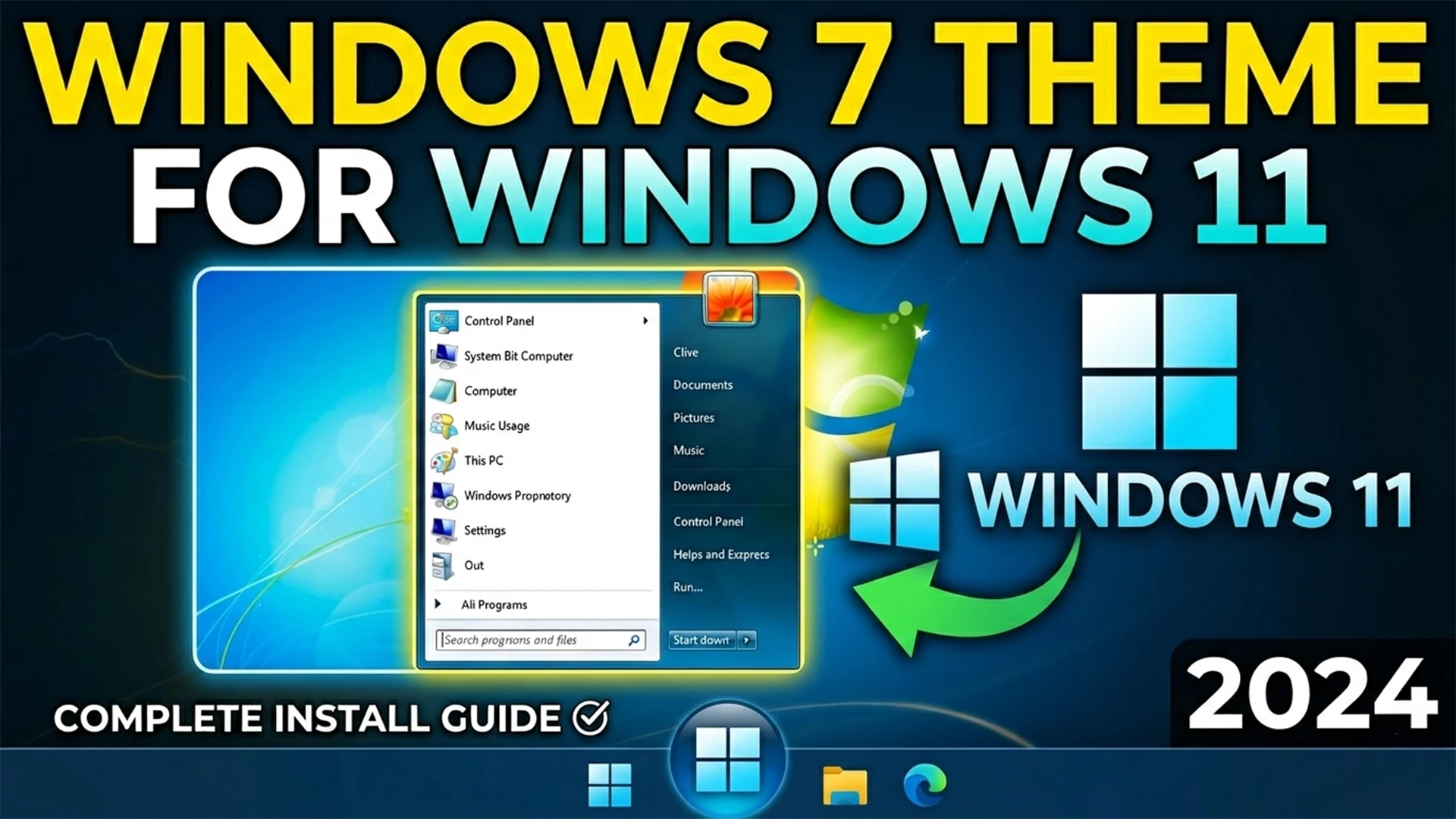
Windows 7 Theme for Windows 11: The Ultimate Aero Glass Guide
If you miss the iconic glass borders and the classic Start menu of 2009, you aren’t alone. While Windows 11 offers a sleek look, many enthusiasts prefer the “Aero Glass” nostalgia. In this guide, we’ll show you how to install a Windows 7 theme for Windows 11 to get that professional, retro feel without losing modern functionality.
Why Choose a Windows 7 Theme for Windows 11?
Modern operating systems have moved toward “flat” design, but the Aero aesthetic remains one of the most beloved interfaces in tech history. By using a Windows 7 theme for Windows 11, you combine the security of the latest OS with the beautiful transparency effects of the past.
Essential Tools for the Transformation
- ExplorerPatcher: Restores the classic Taskbar functionality.
- Start11: The best tool for a high-quality Windows 7 Start orb.
- Windhawk: Useful for fine-tuning UI elements like the “Silica Glass” effect.
- OldNewExplorer: Reverts the File Explorer to the Windows 7 layout.
How to Apply the Windows 7 Theme (Step-by-Step)
1. Fix the Taskbar & Start Menu
The centered taskbar is the first thing that needs to go. Use Start11 to move the taskbar to the left and apply the classic Windows 7 layout. You can download custom “Orb” images from DeviantArt to replace the Windows 11 logo.
2. Enable Aero Glass Transparency
To get the true Windows 7 Aero effect, use MicaForEveryone or specific Windhawk mods. These tools allow the desktop background to blur through the window borders beautifully.
| Feature | Recommended Tool |
|---|---|
| Start Menu | Start11 / Open-Shell |
| Glass Borders | Windhawk / MicaForEveryone |
| File Explorer | OldNewExplorer |
Frequently Asked Questions
Is skinning Windows 11 safe?
Yes, as long as you use reputable tools like Windhawk and create a system restore point first.
Ready to Transform Your Desktop?
Get all the necessary files in one organized package below.
📥 Download Full Theme Pack (.zip)For more Windows customization tips, check out our latest tech tutorials.