
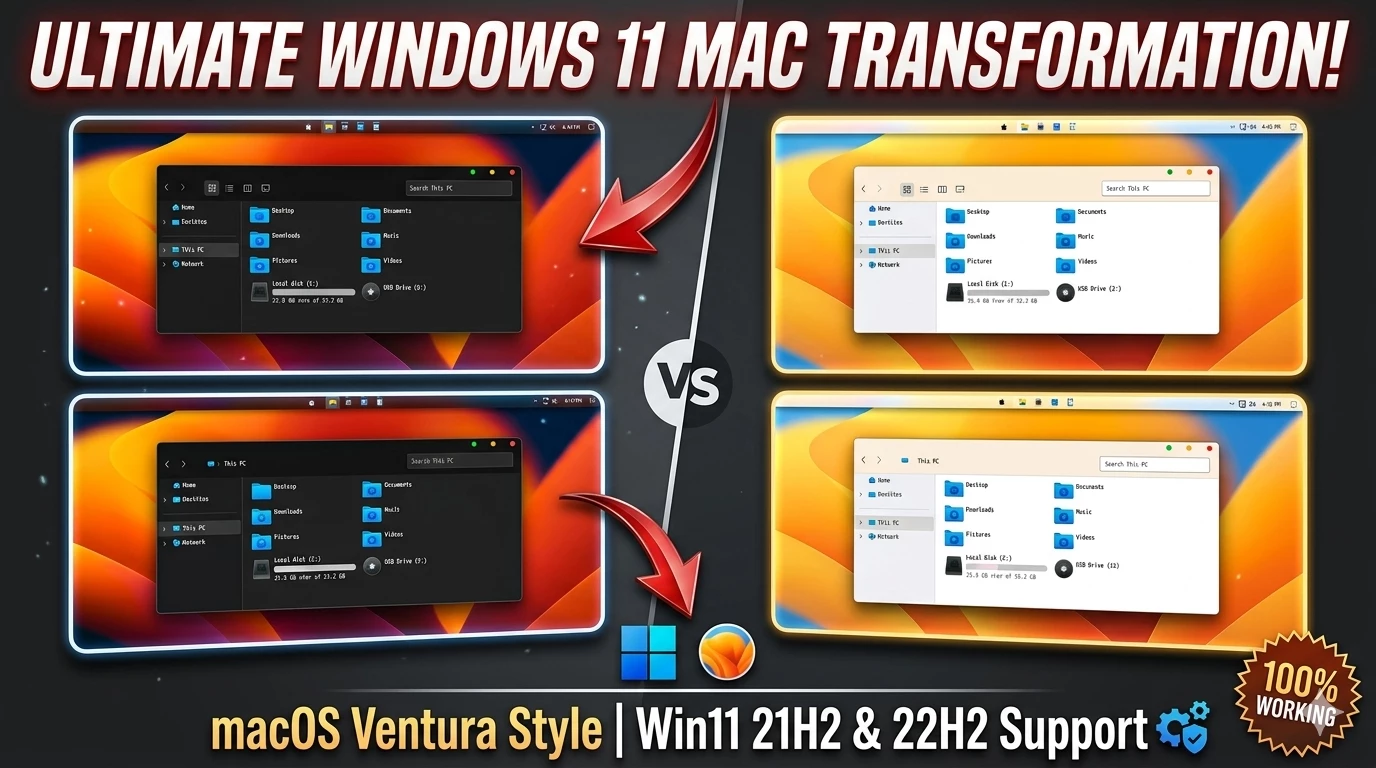
Best Mac theme for Windows 11 The Ultimate Guide to a macOS Experience on Windows 11
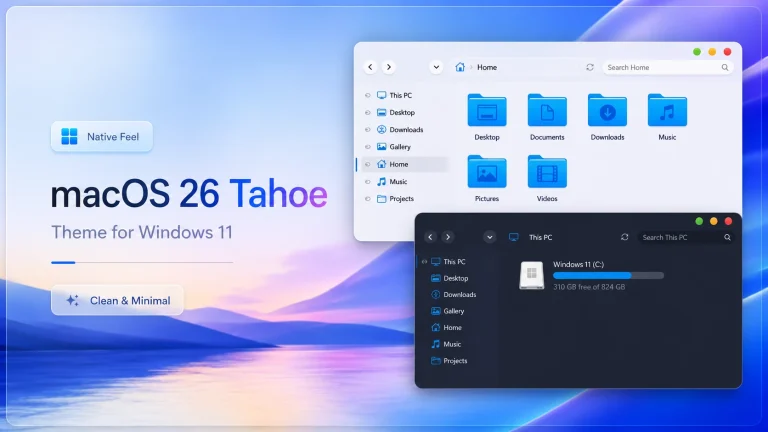
In the world of desktop customization, the debate between Windows functionality and Apple’s aesthetic is eternal. However, with the release of Windows 11, the gap has narrowed significantly. The centered taskbar and rounded corners provided by Microsoft offer the perfect canvas for a macOS-inspired transformation. This guide will walk you through a professional setup that mimics the fluidity and elegance of macOS without sacrificing the power of your PC.
The Philosophy of the “Mac-ified” Windows
Transforming your OS isn’t just about changing a wallpaper; it’s about workflow. macOS is designed around the “Dock” and the “Global Menu Bar.” To recreate this, we move away from the traditional Windows Start Menu and toward a more gesture-based, icon-centric interface. By using lightweight third-party tools, we can achieve 99% visual accuracy while keeping system resource usage low enough for gaming and professional creative work.
Core Components of the Setup
1. The Dock: MyDockFinder
The centerpiece of any Mac theme is the Dock. While there are many alternatives like RocketDock or ObjectDock, MyDockFinder is currently the most advanced solution. It doesn’t just provide an app launcher; it replicates the macOS “Blur” effect (Acrylic/Mica) and includes the top Menu Bar. This bar is functional, showing the Apple logo (which can act as your Start button), File/Edit menus, and system tray icons like Wi-Fi and Volume in the Apple style.
2. Windows Management with Windhawk
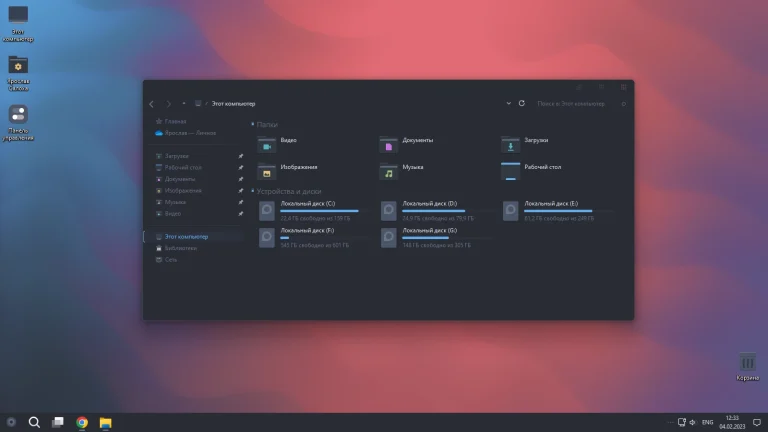
To get the specific “glass” or “frosted” look on your windows, Windhawk is an essential utility. It allows for modular customizations, such as forcing dark mode on legacy apps or adding “Sliver” effects to the window borders. For those seeking the macOS Final Edition look, Windhawk can be used to tweak how the Taskbar behaves before you hide it entirely in favor of the Dock.
3. Desktop Widgets (Rainmeter)
No Mac setup is complete without clean, functional widgets. Using Rainmeter, you can add “Big Sur” style widgets for your CPU usage, RAM, and a minimalist clock. The key here is “White Space”—don’t clutter the desktop. Let the high-resolution wallpaper breathe, placing only the most essential widgets in the top right corner.
Step-by-Step Configuration
Follow these steps to ensure a stable and beautiful setup:
- System Restore Point: Always create a restore point before installing UI modifiers.
- Hide the Taskbar: Right-click your Taskbar > Taskbar Settings > Automatically hide the taskbar. This clears the stage for your new Dock.
- Apply Icon Packs: Use a tool like 7-Zip to extract macOS-style icons. You can manually change your folder icons or use an “Icon Packager” for a system-wide change.
- Font Rendering: Windows and Mac render text differently. To get that smooth Mac typography, consider using MacType, which brings Apple’s font smoothing technology to Windows applications.
Performance and Maintenance
A common concern is whether these themes slow down your PC. In 2026, with modern multi-core processors, the impact is negligible. MyDockFinder typically uses less than 1% of your CPU. However, for the best experience, we recommend having at least 8GB of RAM. If you notice any lag, disabling “Real-time Blur” in the settings will instantly boost performance on lower-end hardware.
Regularly updating your Windhawk mods and Rainmeter skins is vital to ensure compatibility with the latest Windows 11 cumulative updates. Remember, the goal is a seamless blend of beauty and utility.
Ready to Transform Your Desktop?
Download the complete macOS Resource Pack (Includes Icons, Wallpapers, and Configuration Files).
Download Resource Pack- Download & Install windhawk.
- install & Open Windows 11 Settings Styler
- Go to the Advanced tab
- Copy the content below and paste it into the text box and click “Save”.
- For more details, visit this GitHub guide
- For more Windhawk Styler, visit Check My Theme Category
File Size: 45MB | Version: 2026.1 Final