
Borg Theme For Windows 7
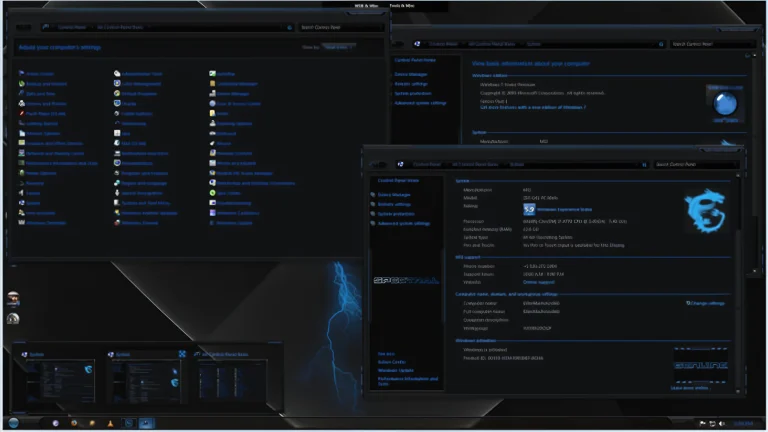
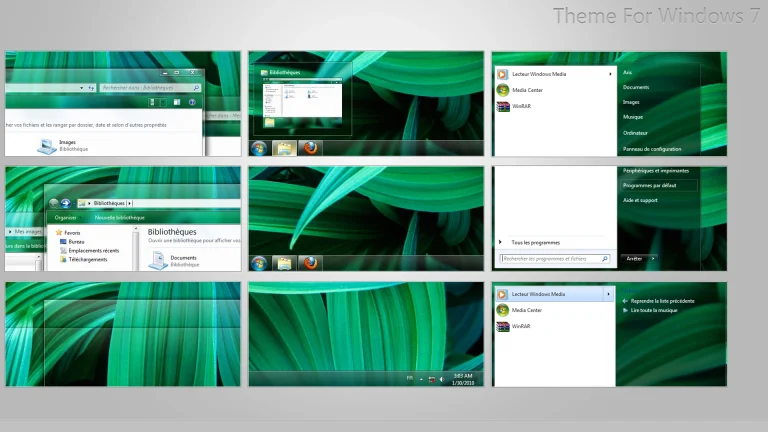
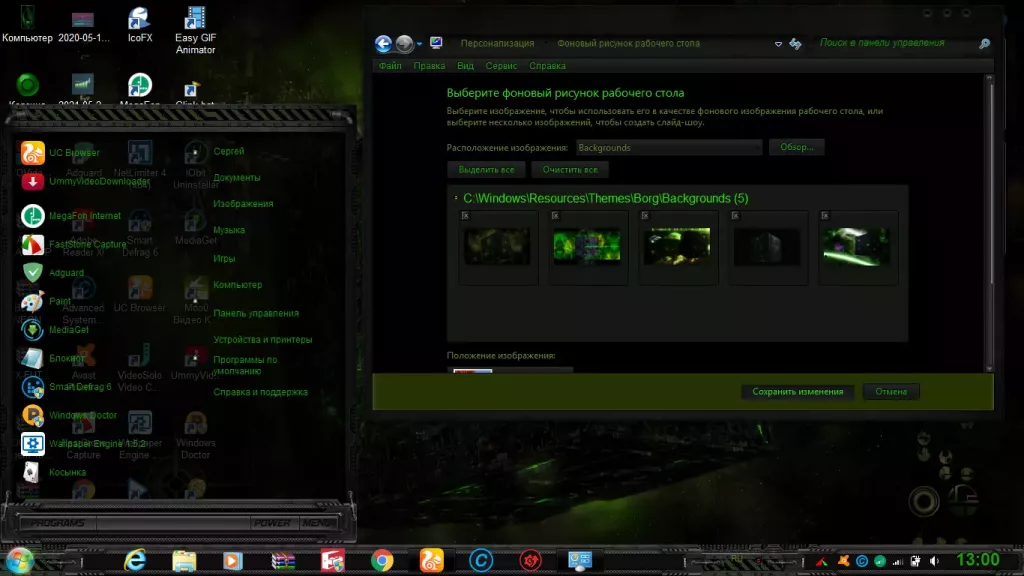
The theme for Windows 7 from the universe “Star Trek”. The theme will change the wallpaper,sound scheme and cursor + nice additions in the Extras folder. Enjoy your use.
The Borg Theme for Windows 7 is a bold, futuristic customization pack inspired by the cyber-mechanical design of the Borg from the Star Trek universe. Built for fans of dark sci-fi aesthetics, this theme transforms the classic Windows 7 interface into a tech-infused, mechanical, and highly atmospheric UI experience.
Featuring deep metallic textures, neon green highlights, circuit-style patterns, and grid-based UI elements, the Borg Theme gives your desktop a powerful machine-like appearance. Window borders, buttons, taskbar, and menu elements are redesigned with razor-sharp geometric details and glowing accents that mimic the Borg collective’s iconic visual identity..
- Windows 7 only
- Download & Install windhawk.
- install & Open Windows 11 Settings Styler
- Go to the Advanced tab
- Copy the content below and paste it into the text box and click “Save”.
- For more details, visit this GitHub guide
- For more Windhawk Styler, visit Check My Theme Category
- Windows 7 Theme
- I recommend creating a restore point before starting your customization.
- This third-party theme will only work if you install Theme Patcher, so definitely install Theme Patcher.
- Or Check This Post for a guide on Windows custom themes Installation.
- Theme support: Windows 11