
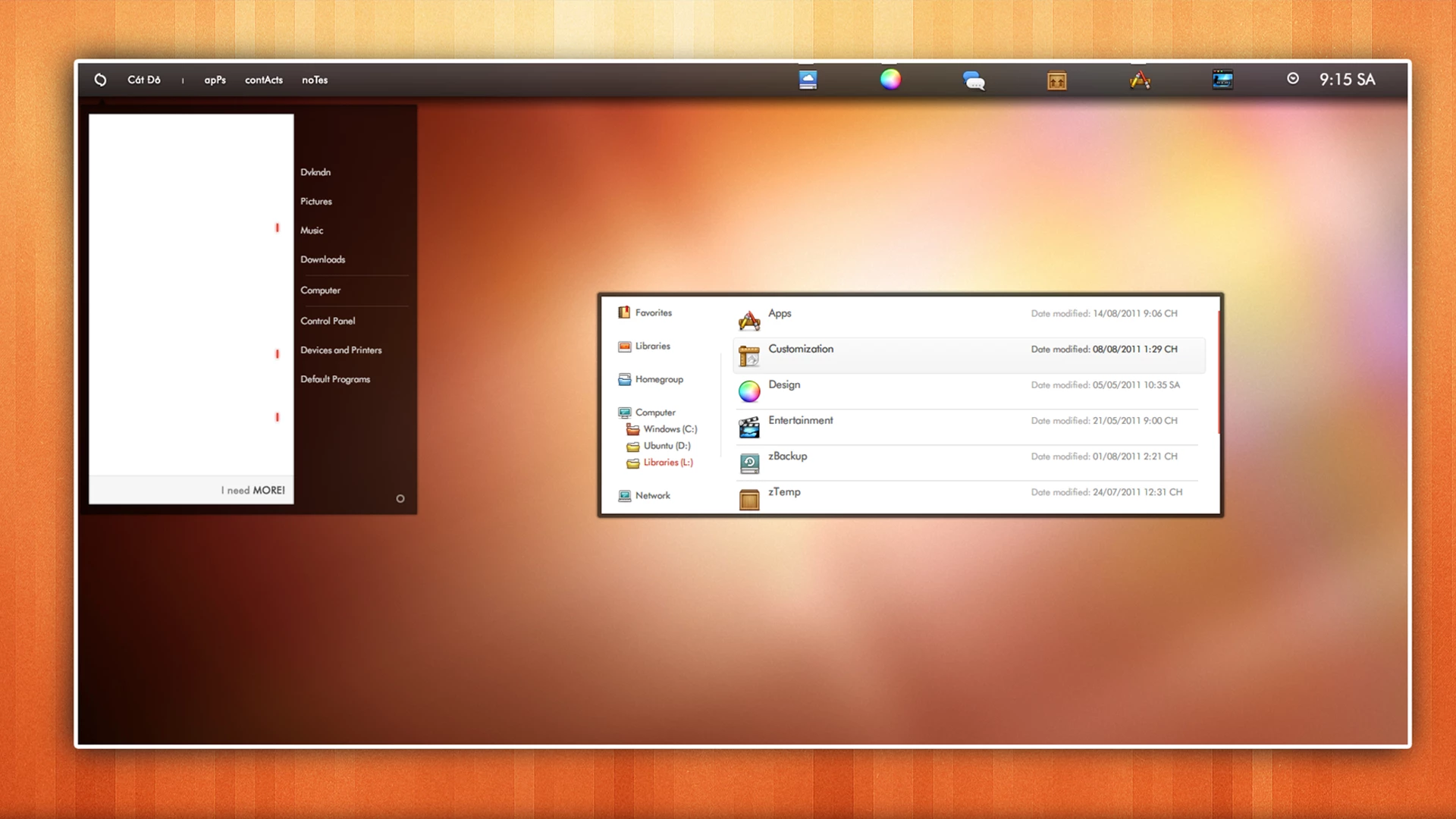
CatDo The Red Sand Theme For Windows 7
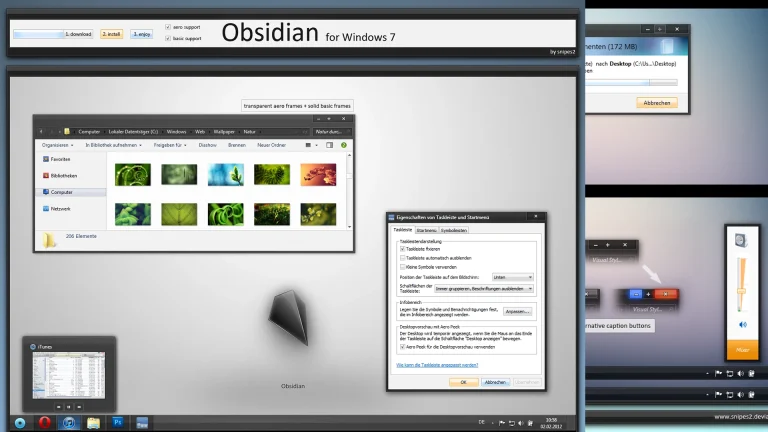
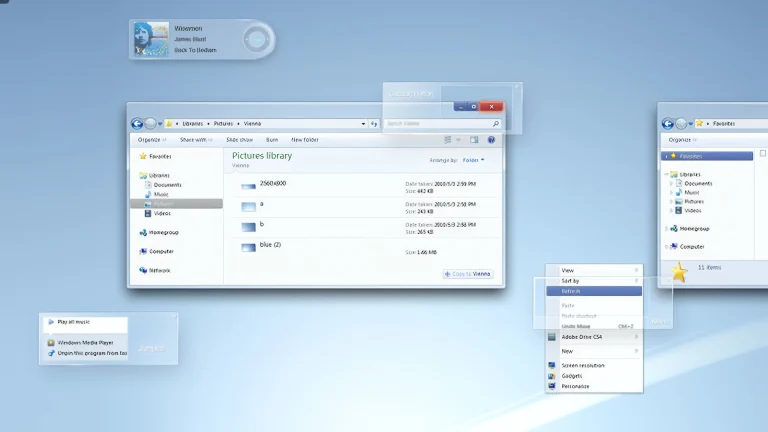
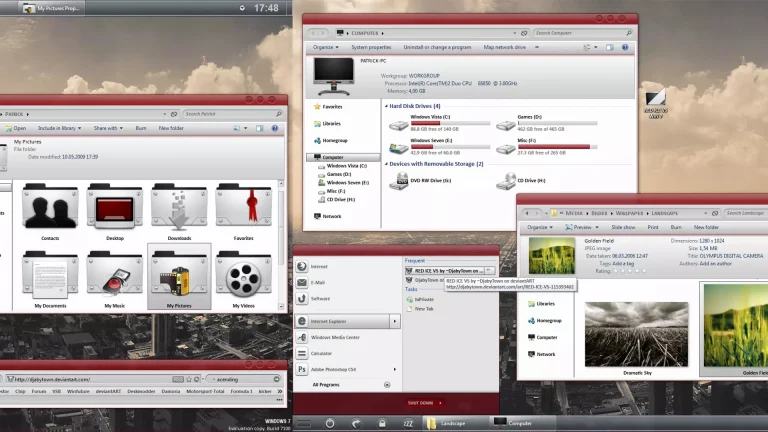
CatDo – The RedSand Theme for Windows 7 is a bold and stylish desktop customization created for users who love warm colors and unique visual designs. Inspired by deep red sand tones, this theme brings a powerful yet smooth look to the classic Windows 7 interface while maintaining excellent performance and usability.
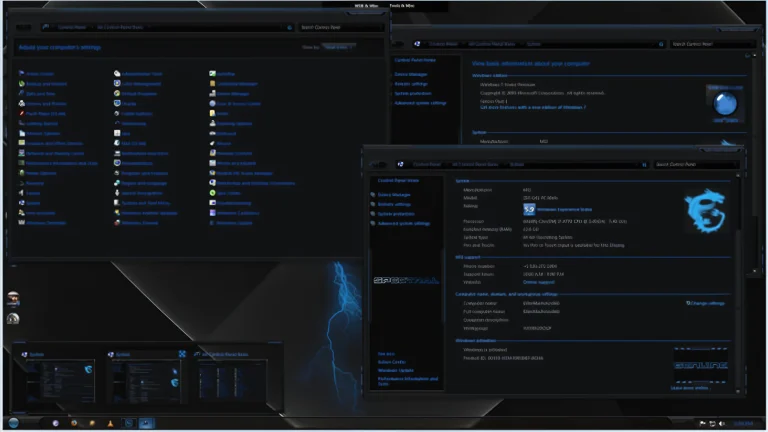
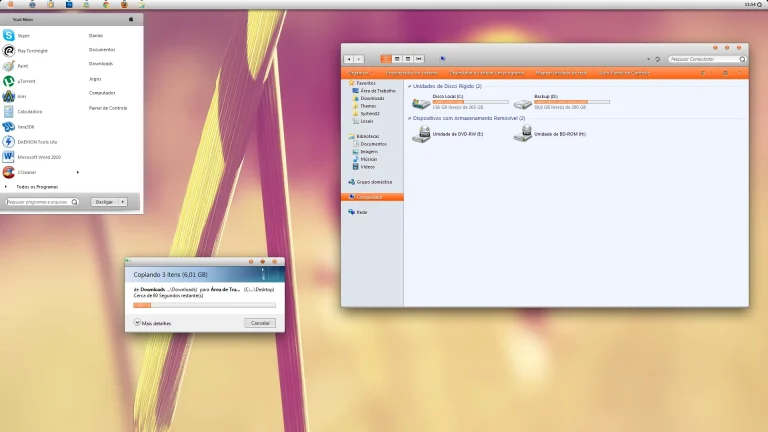
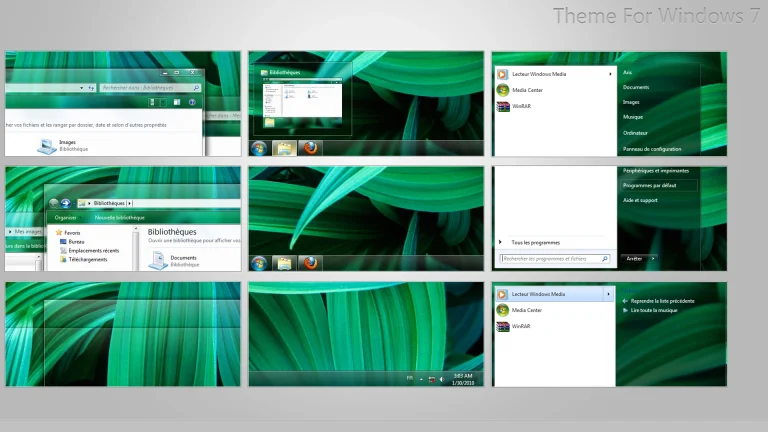
The CatDo The Red Sand Theme For Windows 7 features customized window borders, a redesigned taskbar, refined start menu, and carefully selected red-sand color accents that give your desktop a distinctive and modern appearance. Subtle glass effects and soft gradients add depth to the interface, making it visually appealing without being distracting. Every UI element is designed to blend seamlessly for a clean and balanced desktop experience.
CatDo – The RedSand Theme is lightweight and optimized for smooth operation on Windows 7 systems. It is compatible with most Windows 7 editions and works perfectly with popular customization tools. You can combine it with matching wallpapers, icon packs, and cursors to create a complete and immersive desktop setup.
- Windows 7 only
- Download & Install windhawk.
- install & Open Windows 11 Settings Styler
- Go to the Advanced tab
- Copy the content below and paste it into the text box and click “Save”.
- For more details, visit this GitHub guide
- For more Windhawk Styler, visit Check My Theme Category
- Windows 7 Theme