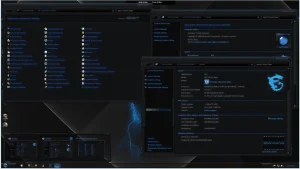

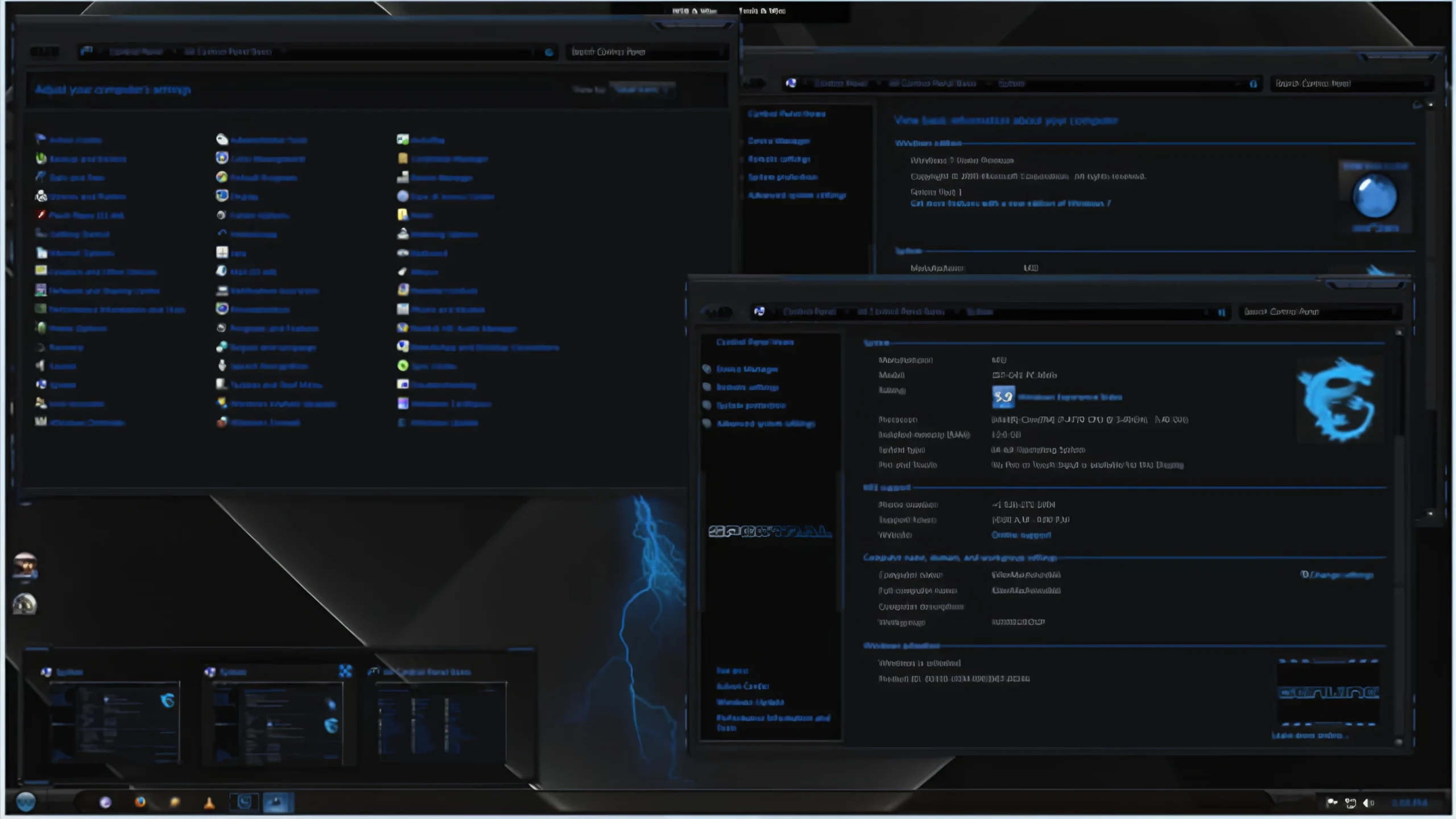
Spectral Blue Theme For Windows 7
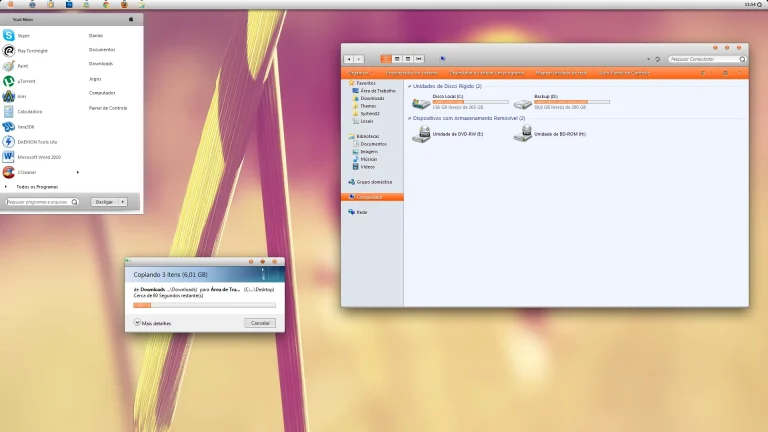
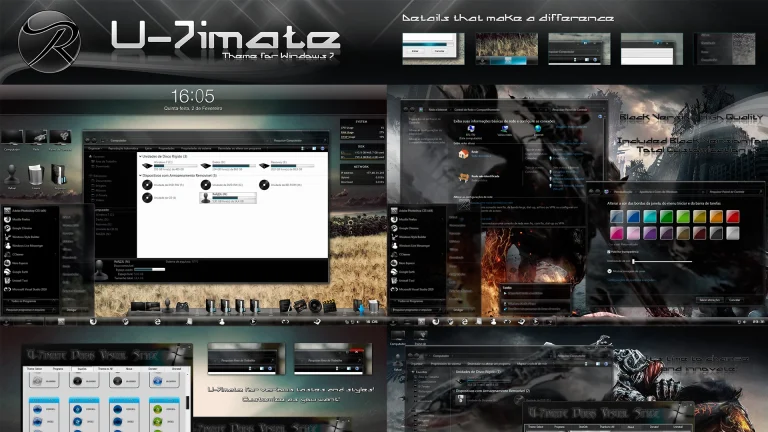
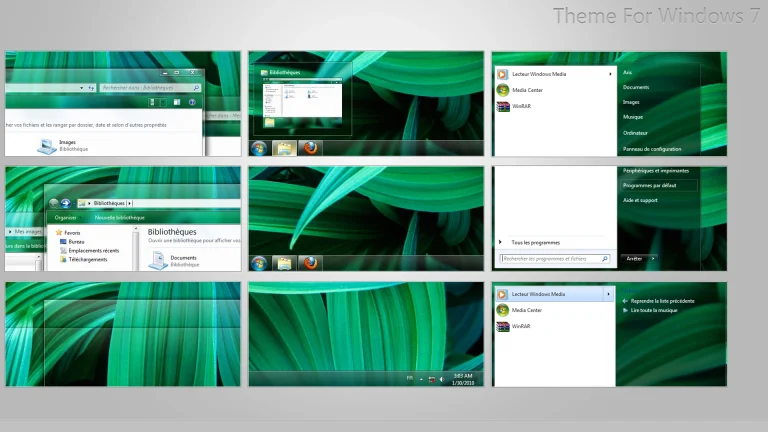
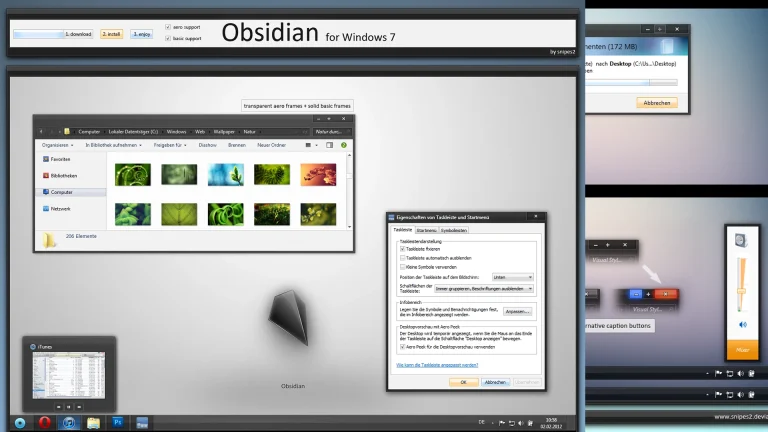
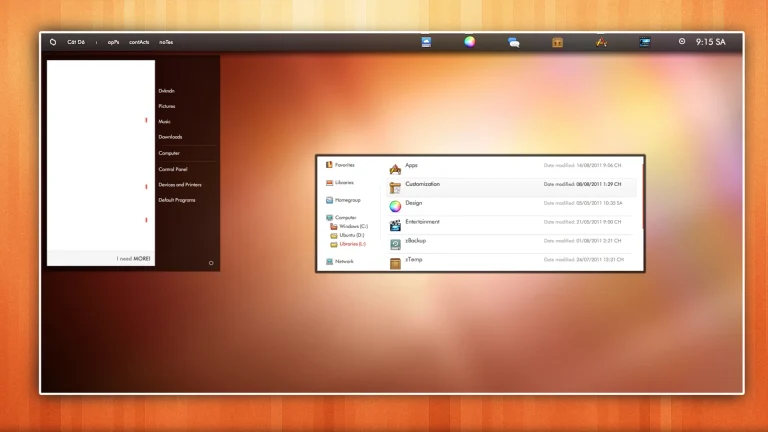
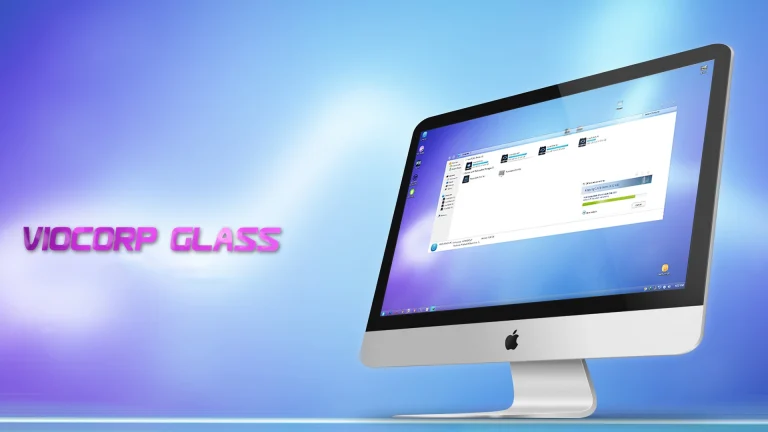
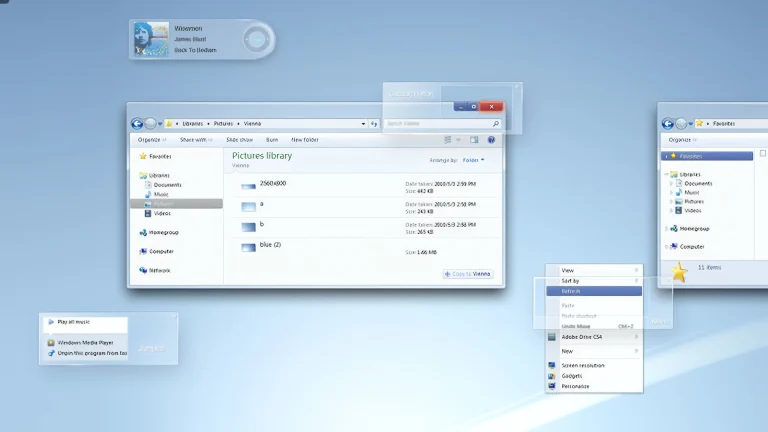
Spectral Blue Theme for Windows 7 is a sleek and visually striking customization theme that transforms the classic Windows 7 interface with deep blue tones and smooth Aero aesthetics. Designed for users who appreciate a cool, modern, and professional desktop look, this theme blends rich color gradients with subtle transparency effects to create a refined and immersive user experience
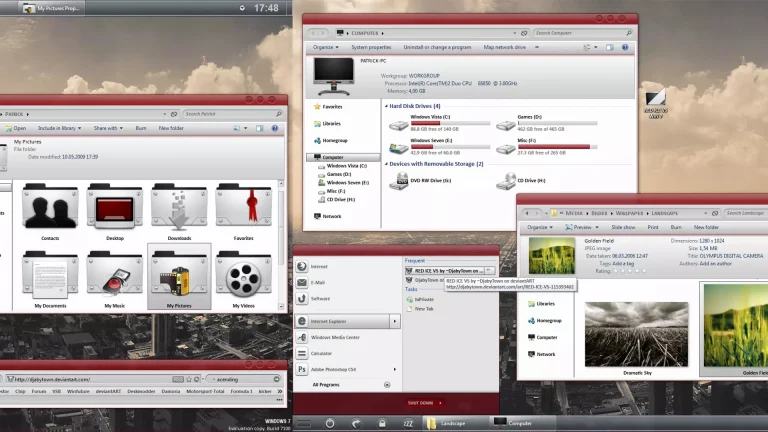
The theme features customized window frames, a polished taskbar, enhanced explorer visuals, and a carefully styled Start Menu that maintains perfect visual consistency across the system. Spectral Blue enhances the original Aero glass effects while keeping the interface clean, sharp, and easy on the eyes. It is lightweight, stable, and performs smoothly on most Windows 7 systems when installed using the appropriate theme patche
Ideal for both everyday use and desktop customization enthusiasts, Spectral Blue Theme delivers a balanced mix of elegance and performance. Whether you are reviving an older PC or simply want a sophisticated blue-themed setup, Spectral Blue Theme for Windows 7 brings a fresh, calm, and modern feel to your desktop while preserving the timeless Aero charm of Windows 7
- Windows 7 only
- Download & Install windhawk.
- install & Open Windows 11 Settings Styler
- Go to the Advanced tab
- Copy the content below and paste it into the text box and click “Save”.
- For more details, visit this GitHub guide
- For more Windhawk Styler, visit Check My Theme Category
- Windows 7 Theme