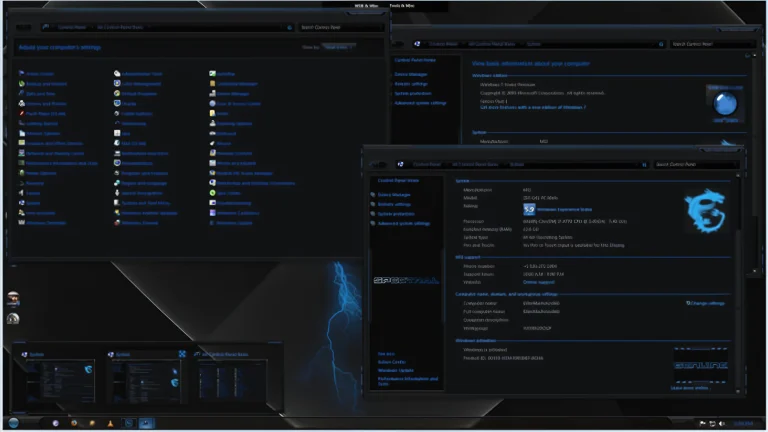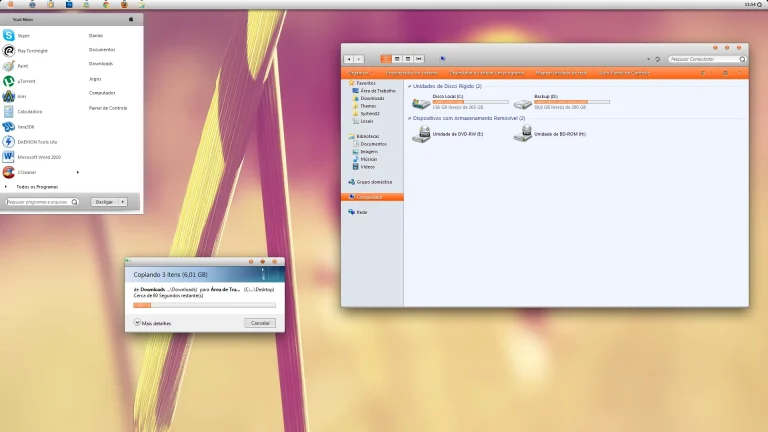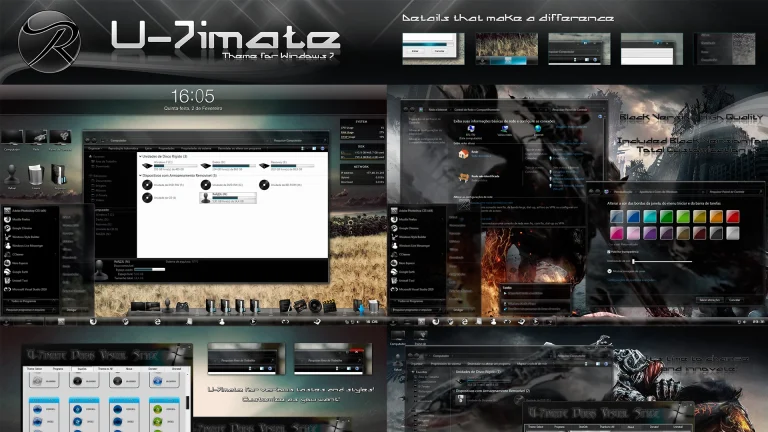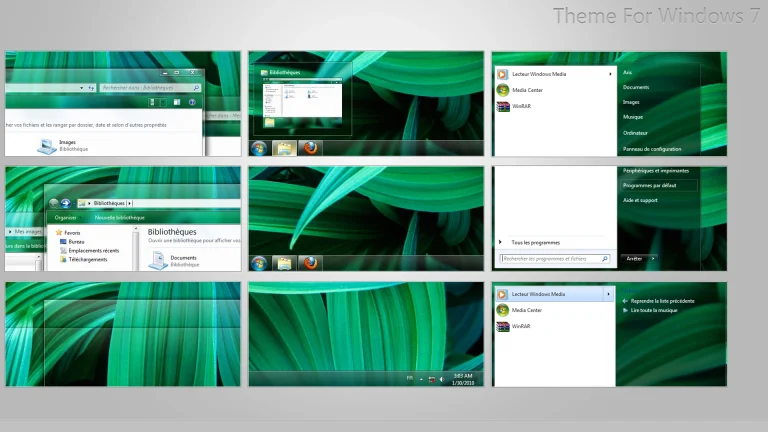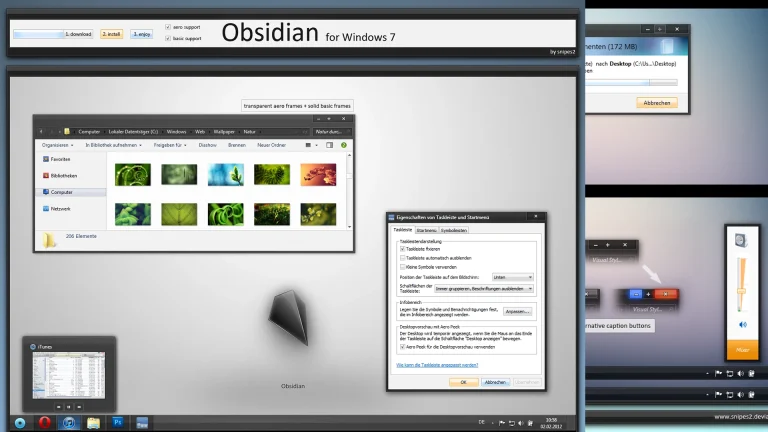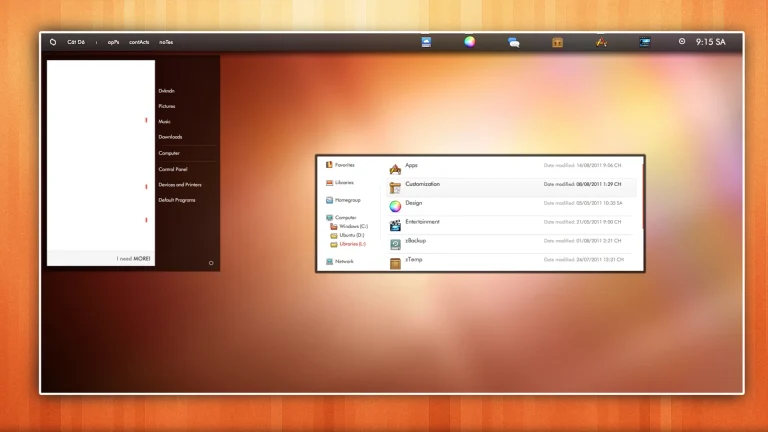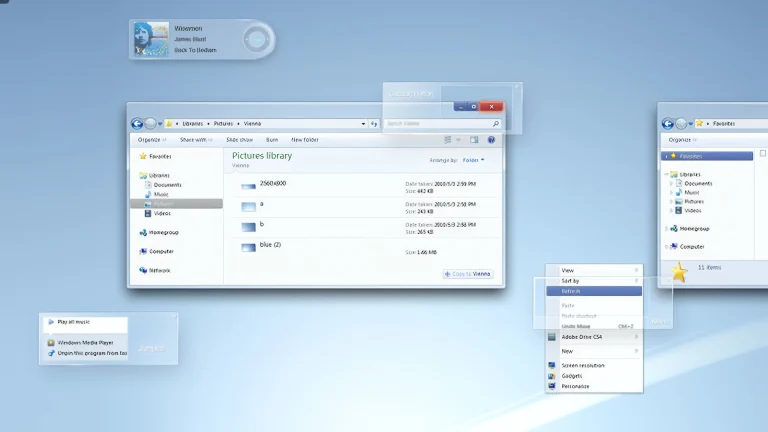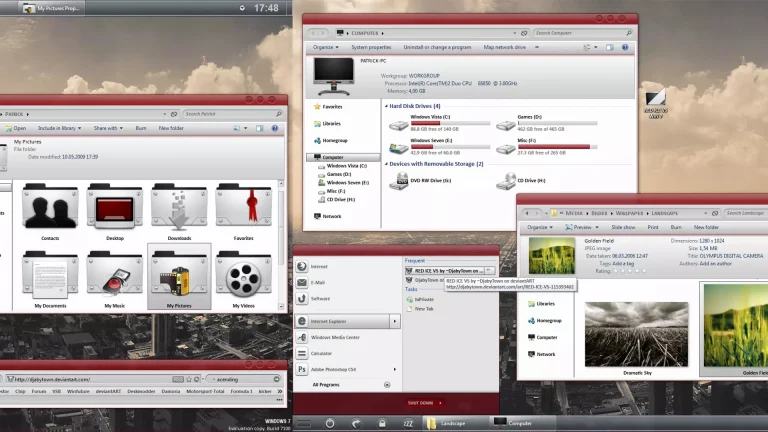

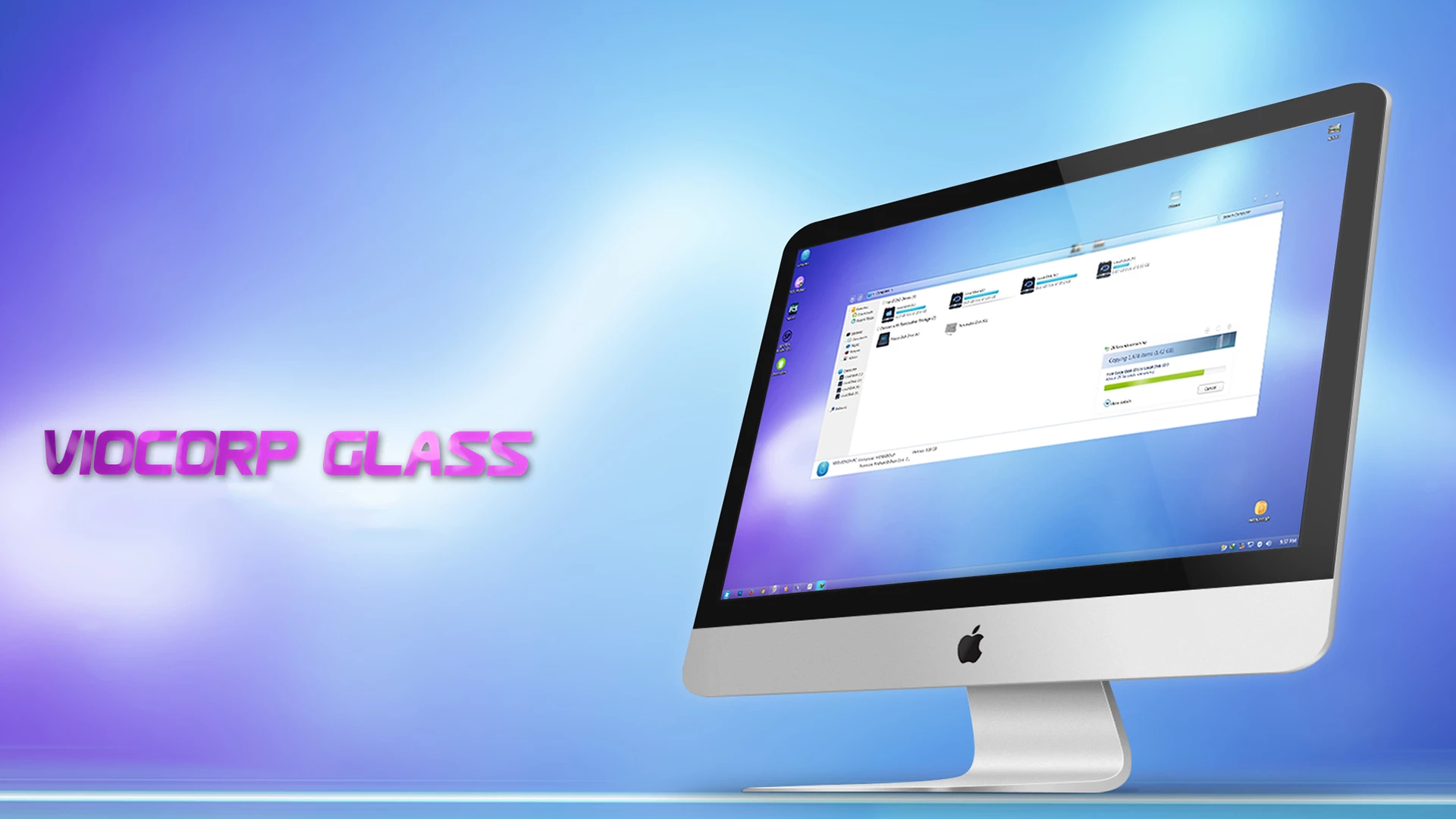
Viocorp Glass 2 Theme For Windows 7
Viocorp Glass 2 Theme for Windows 7 is a sleek, modern, and visually refined desktop customization designed to enhance the classic Aero interface with a fresh glassy look. This theme focuses on smooth transparency, soft gradients, and polished UI elements to deliver a clean and professional Windows 7 experience.
The theme features beautifully crafted glass-style window borders, an enhanced taskbar, elegant start menu design, and carefully balanced color tones that create a calm yet premium appearance. Subtle reflections and transparency effects give the desktop a lightweight and futuristic feel while maintaining the stability and familiarity of Windows 7.
Viocorp Glass 2 is optimized for performance, ensuring smooth system operation without unnecessary resource usage. It is compatible with most Windows 7 editions and works well with popular customization tools. The theme can be perfectly paired with matching wallpapers, icon packs, and cursors to achieve a complete glass-inspired desktop setup..
- Windows 7 only
- Download & Install windhawk.
- install & Open Windows 11 Settings Styler
- Go to the Advanced tab
- Copy the content below and paste it into the text box and click “Save”.
- For more details, visit this GitHub guide
- For more Windhawk Styler, visit Check My Theme Category
- Windows 7 Theme