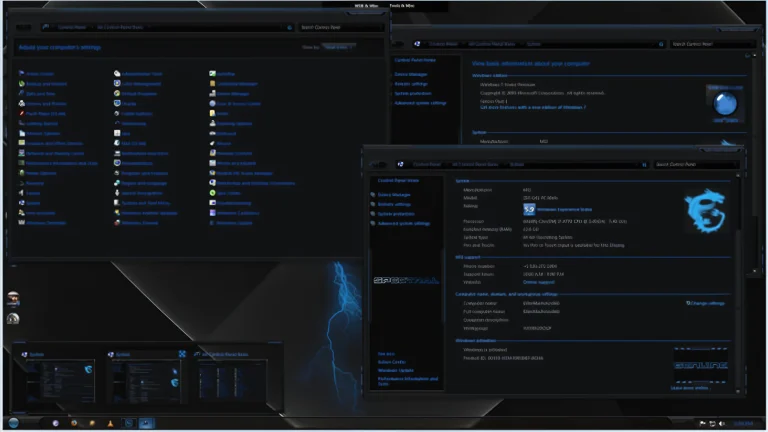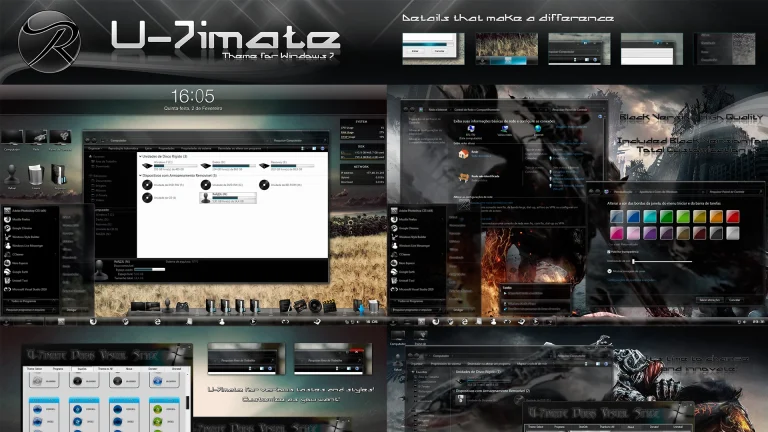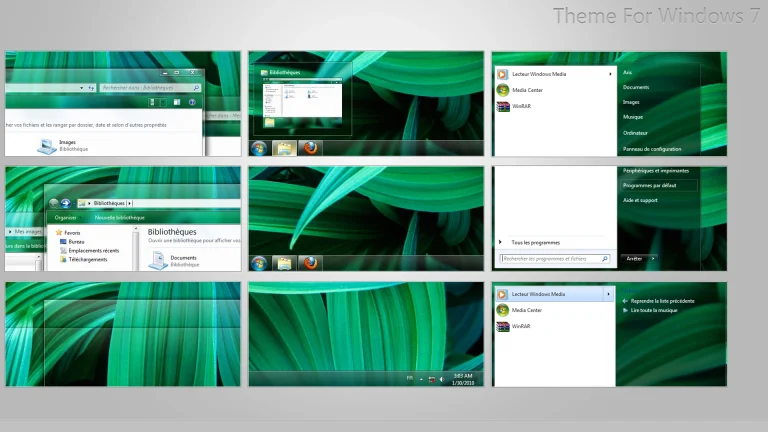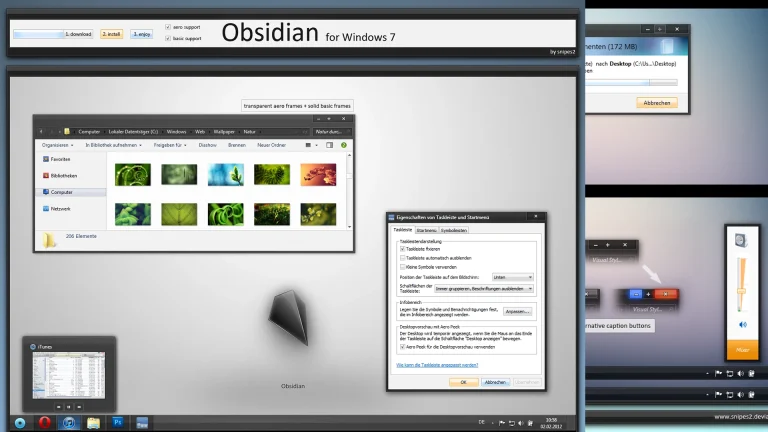

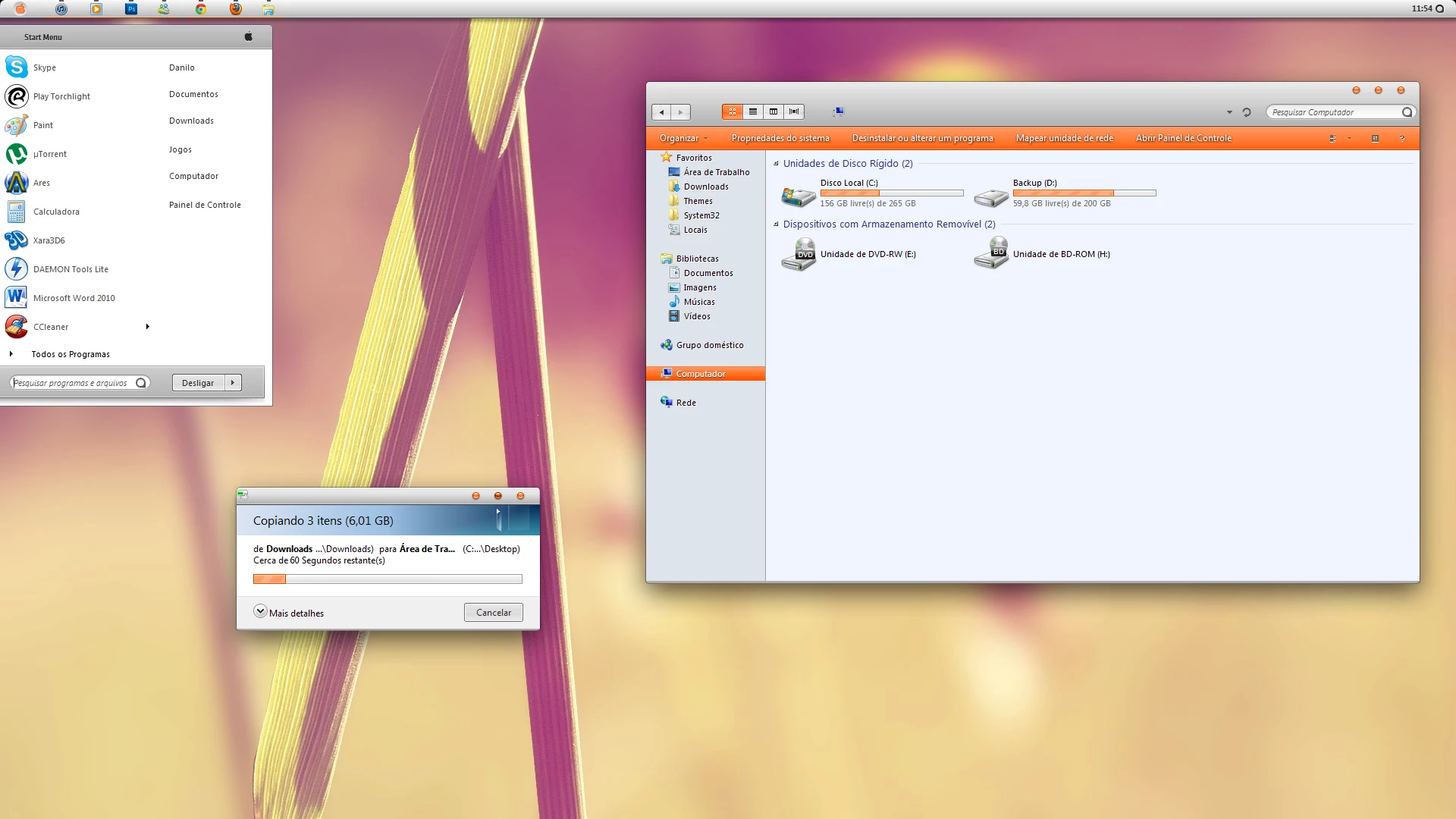
Citrin 7 Theme For Windows 7
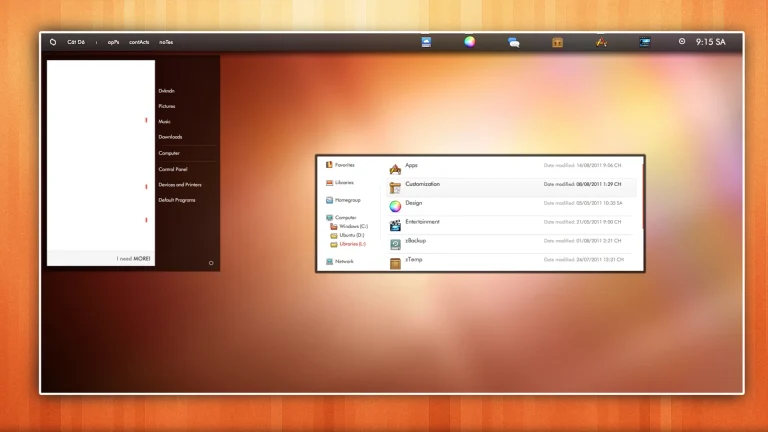
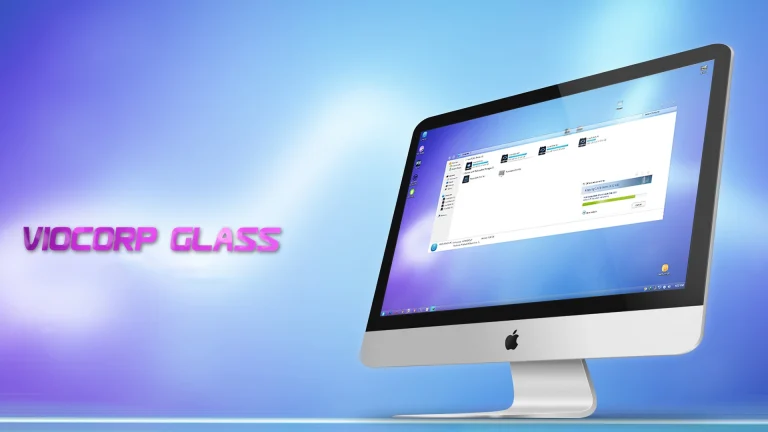
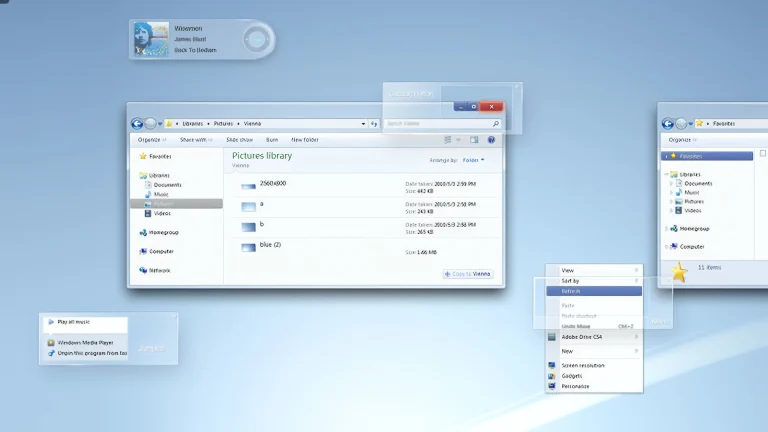
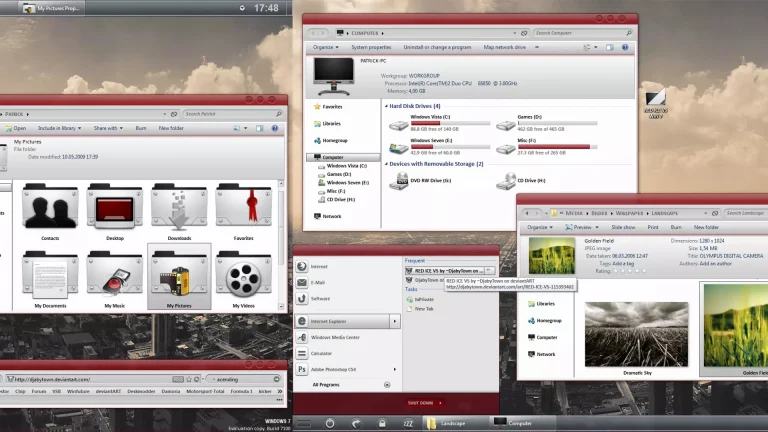
Citrin 7 Theme for Windows 7 is a vibrant and stylish customization theme designed to give your desktop a fresh, colorful, and modern look. Inspired by bright citrine tones and smooth visual elements, this theme enhances the classic Windows 7 interface with a lively yet balanced color scheme. The combination of soft transparency, clean window borders, and polished UI details creates an eye-catching desktop without overwhelming the user
The theme includes customized Aero effects, a refined taskbar, enhanced explorer frames, and a visually consistent Start Menu that blends beautifully with light and colorful wallpapers. Citrin 7 is carefully optimized to remain lightweight and responsive, ensuring smooth performance on most Windows 7 systems when applied with the required theme patching tools.
Ideal for users who enjoy colorful yet elegant designs, Citrin 7 Theme adds personality and energy to your Windows 7 experience. Whether you want to refresh an old system or stand out with a unique desktop style, Citrin 7 Theme for Windows 7 delivers a refreshing, modern, and visually pleasing customization that keeps the classic Aero charm alivecitrin_7_
- Windows 7 only
- Download & Install windhawk.
- install & Open Windows 11 Settings Styler
- Go to the Advanced tab
- Copy the content below and paste it into the text box and click “Save”.
- For more details, visit this GitHub guide
- For more Windhawk Styler, visit Check My Theme Category
- Windows 7 Theme