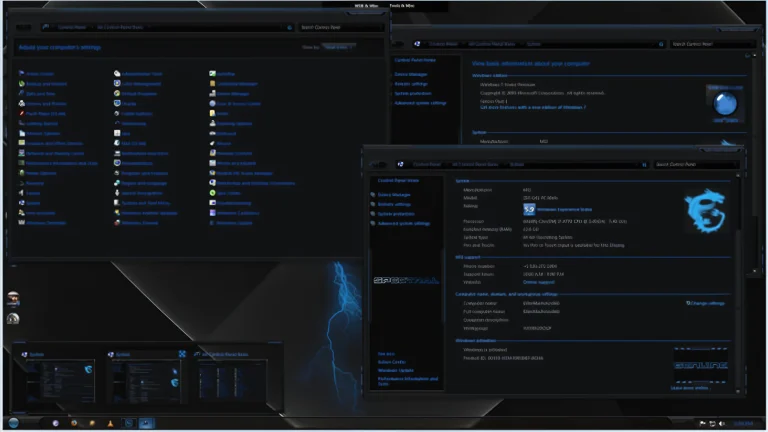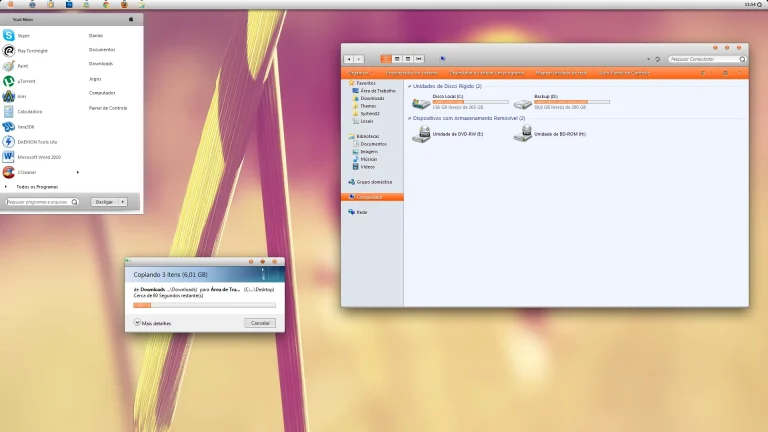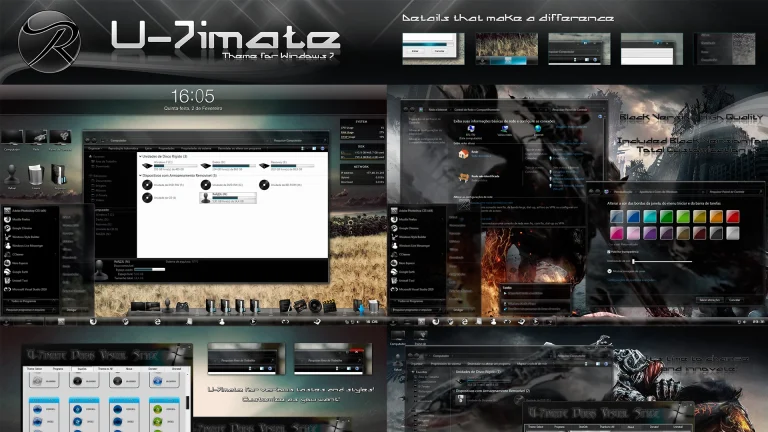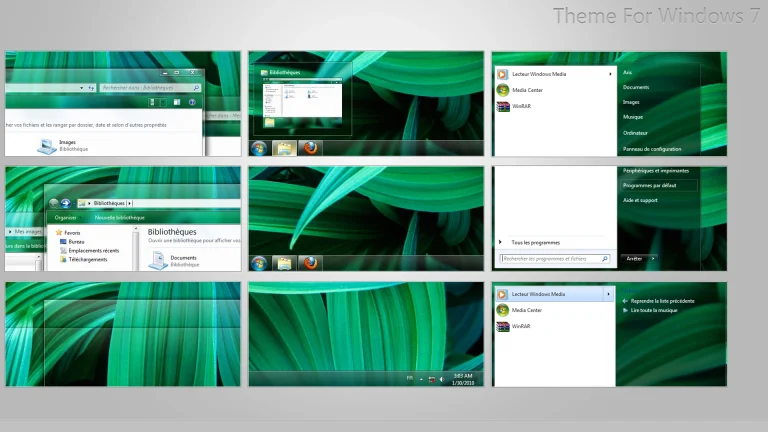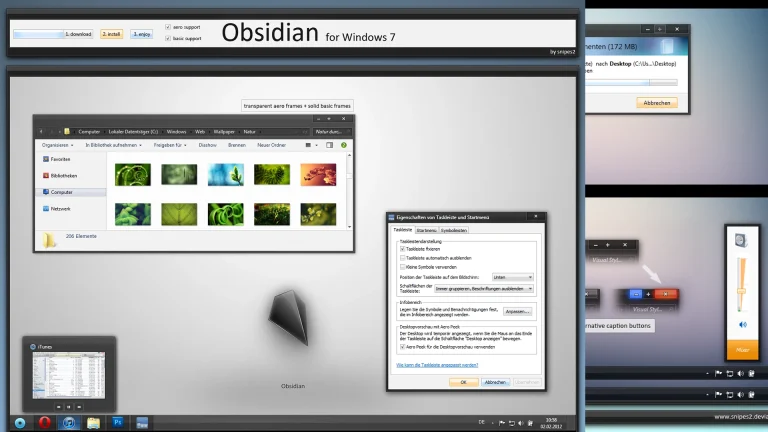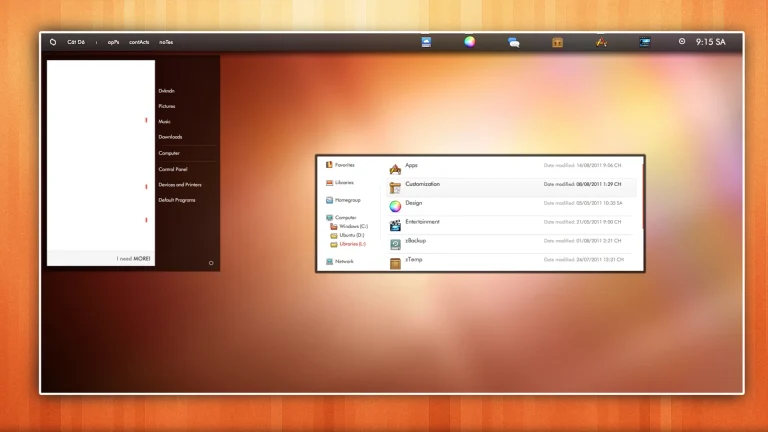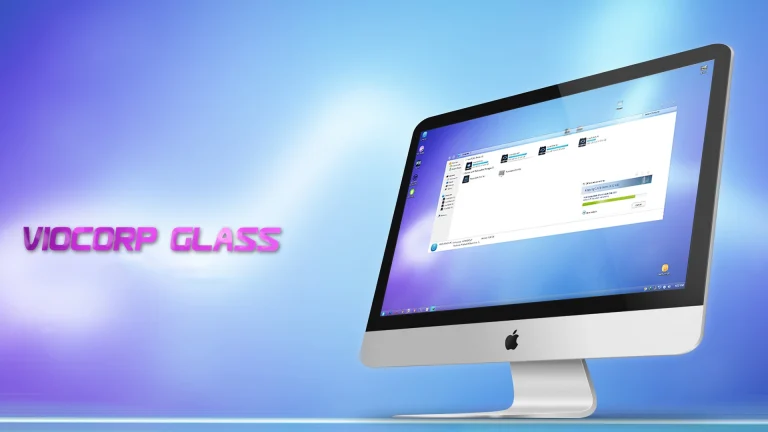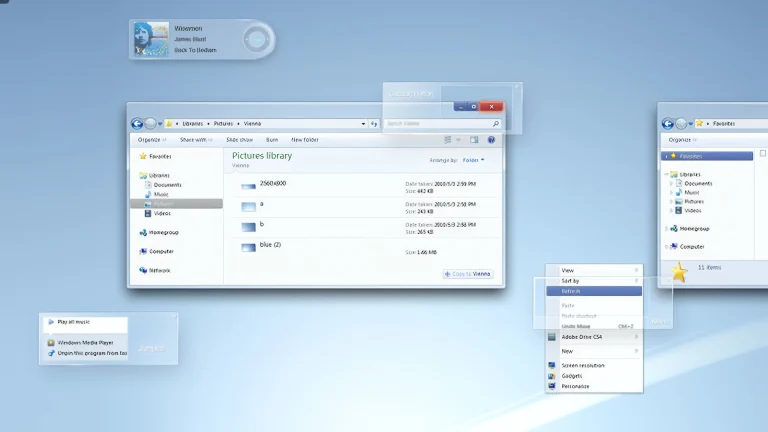

Red Ice Theme For Windows 7
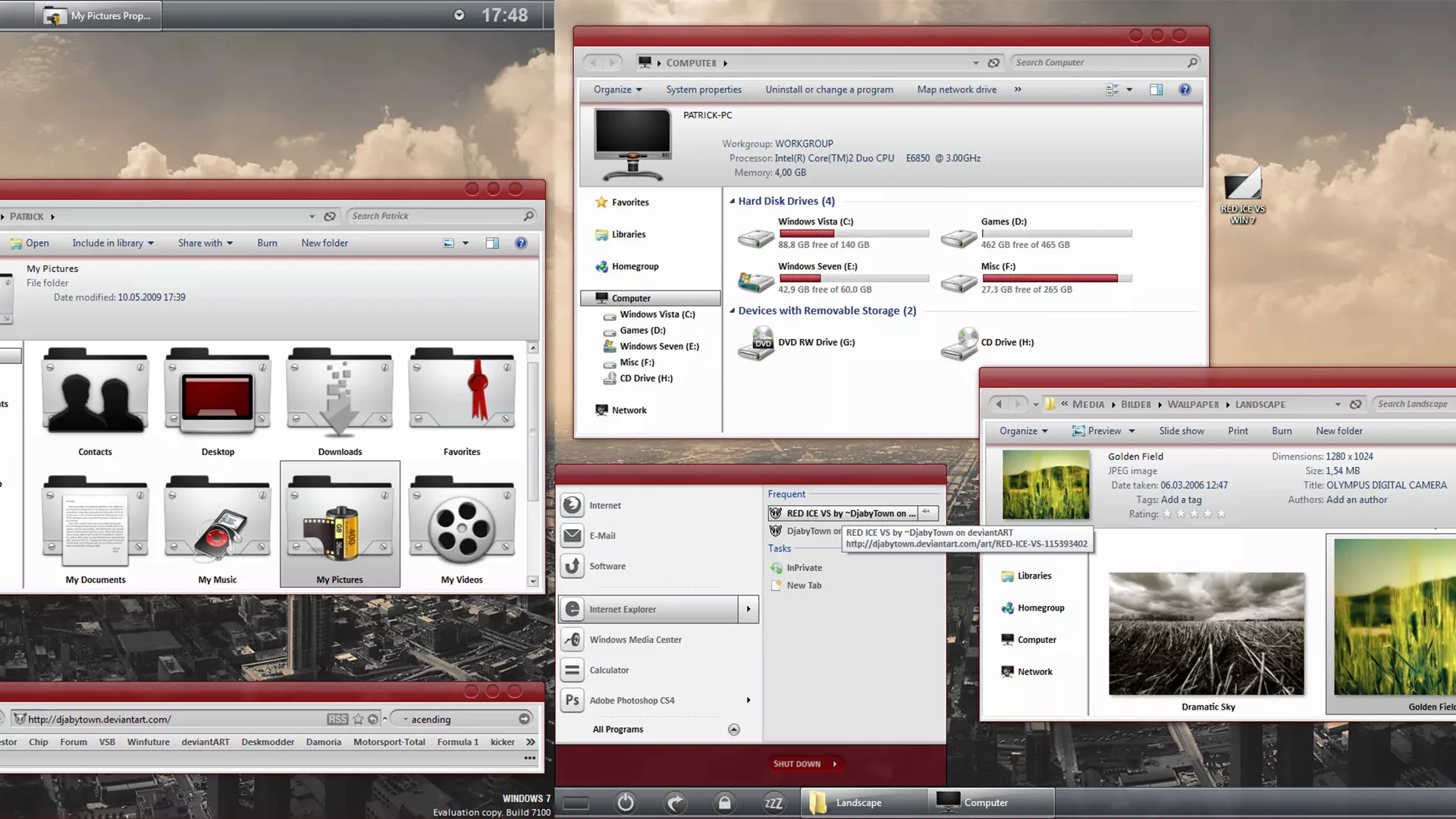
Red Ice Theme for Windows 7 is a visually striking and modern customization designed for users who want to give their desktop a bold, premium look. This theme blends deep red highlights with smooth icy glass effects, creating a perfect balance between elegance and power. Every element is carefully styled to enhance the classic Windows 7 interface while keeping performance smooth and lightweight
The Red Ice Theme features customized window borders, taskbar, start menu, buttons, and system colors that deliver a consistent and eye-catching experience. The sharp red accents combined with clean transparency effects make your desktop stand out without feeling overwhelming. It is ideal for users who enjoy dark, stylish themes with a futuristic touch
Perfect for personalization enthusiasts, this theme offers a polished appearance that makes your desktop stand out while remaining fast and functional. If you love modern-style themes that enhance usability and aesthetics, the Visceral Theme for Windows 7 is an excellent choice for your customization collection.
- Windows 7 only
- Download & Install windhawk.
- install & Open Windows 11 Settings Styler
- Go to the Advanced tab
- Copy the content below and paste it into the text box and click “Save”.
- For more details, visit this GitHub guide
- For more Windhawk Styler, visit Check My Theme Category
- Windows 7 Theme