
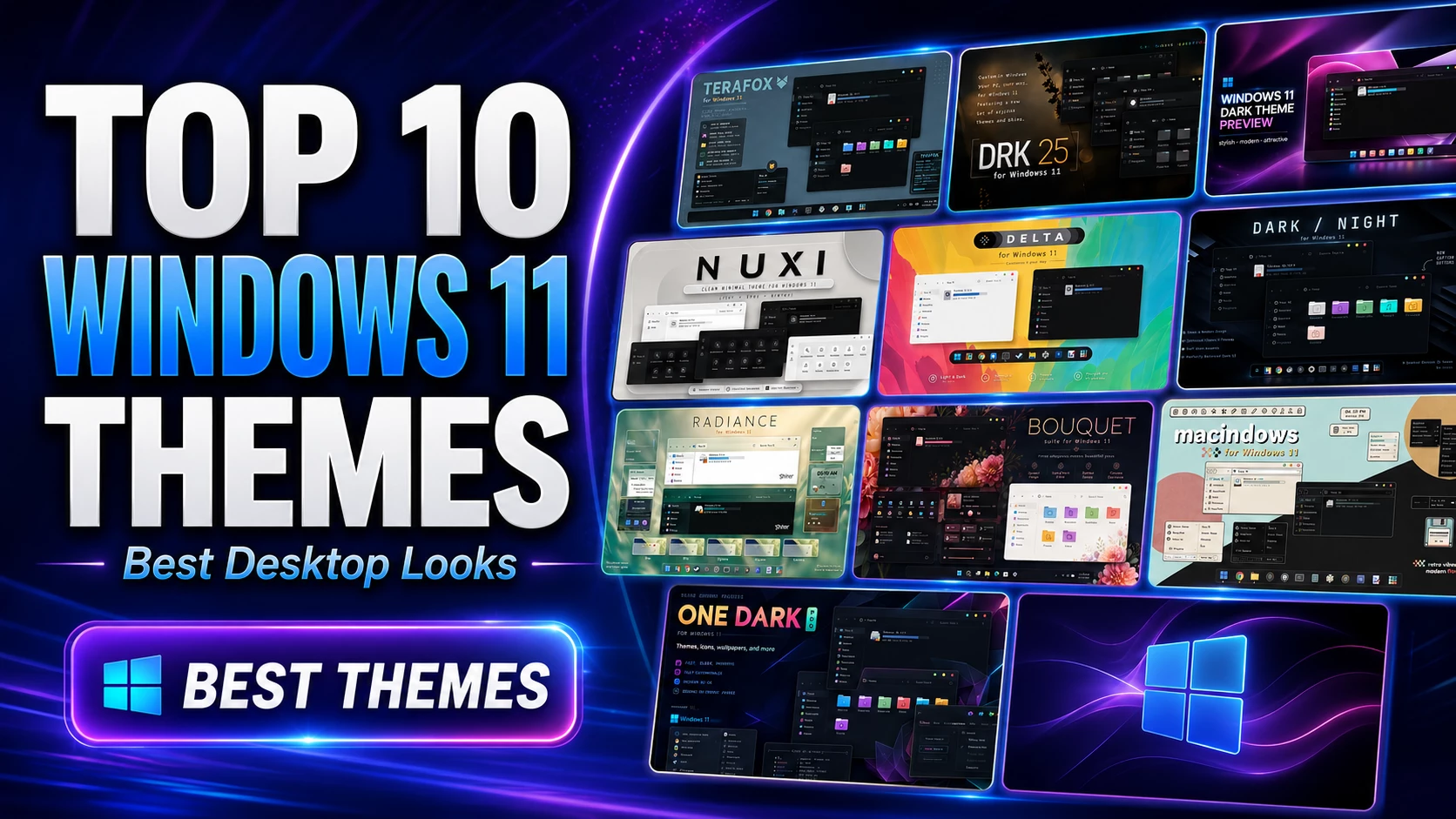
Top 10 Windows 11 Themes to Customize Your Desktop
Windows 11 already has a clean and modern design, but many users want something more unique. If you want a darker interface, macOS-style look, minimal desktop, glass effect, colorful icons or a complete visual transformation, custom Windows 11 themes can make your desktop look much better.
In this post, I will share the Top 10 Windows 11 Themes that you can use to customize your PC. Most of these themes are from trusted DeviantArt creator pages, and I have also included important official links for Microsoft themes and safe customization tools.
Important Official Links Before Installing Windows 11 Themes
Before trying third-party themes, check these official and trusted links. These are useful for installing, applying or managing Windows 11 themes safely.
- Microsoft Official Windows Themes: Windows Themes on Microsoft Apps
- Microsoft Guide to Apply Themes: Personalize Windows with Themes
- SecureUxTheme Official GitHub: SecureUxTheme
- Windhawk Official Website: Windhawk
- Rainmeter Official Website: Rainmeter
Top 10 Windows 11 Themes
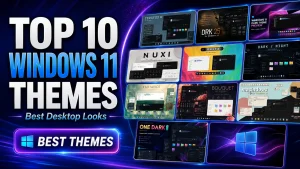
Windows 11 Theme Screenshots Preview
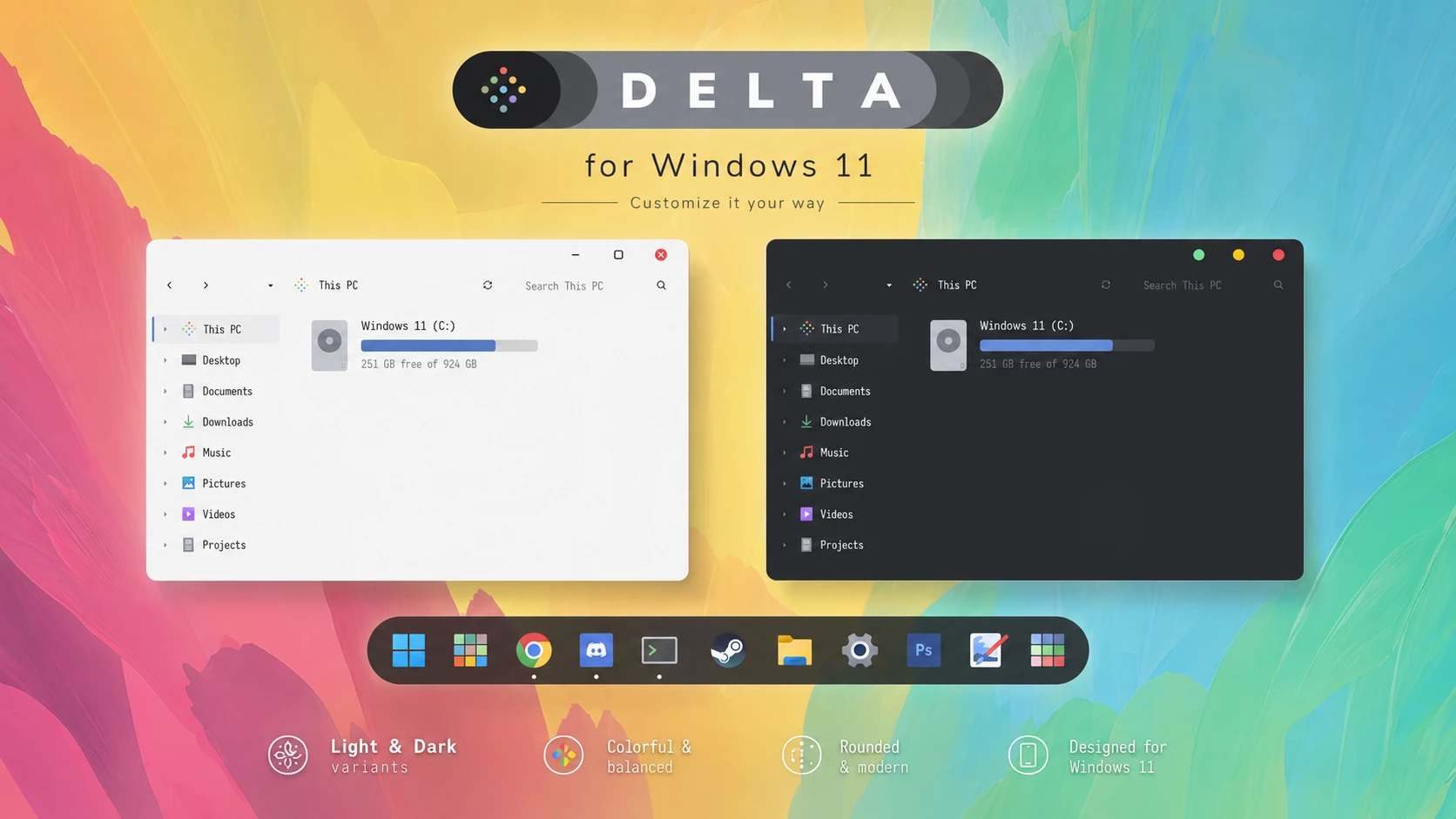
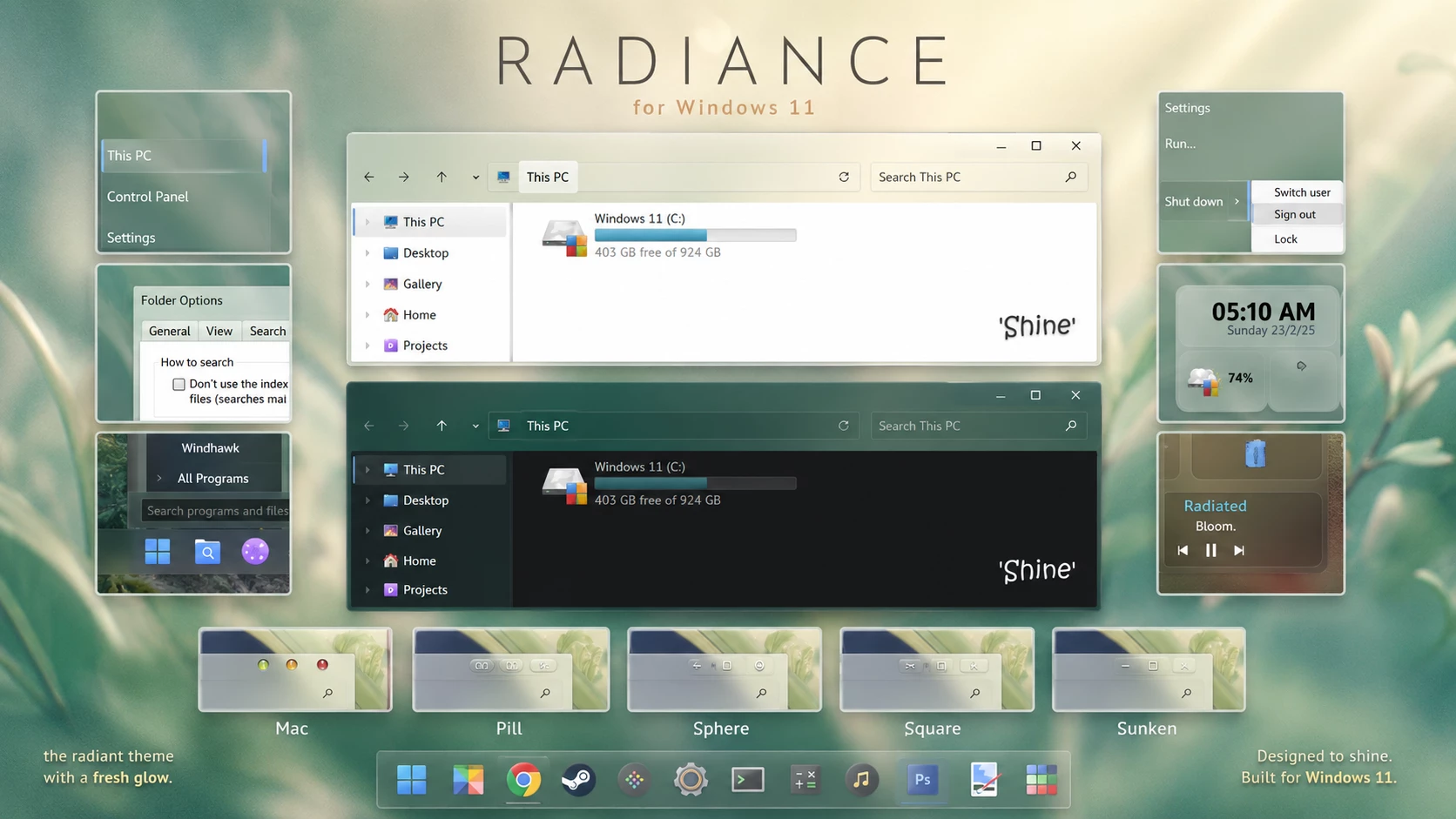
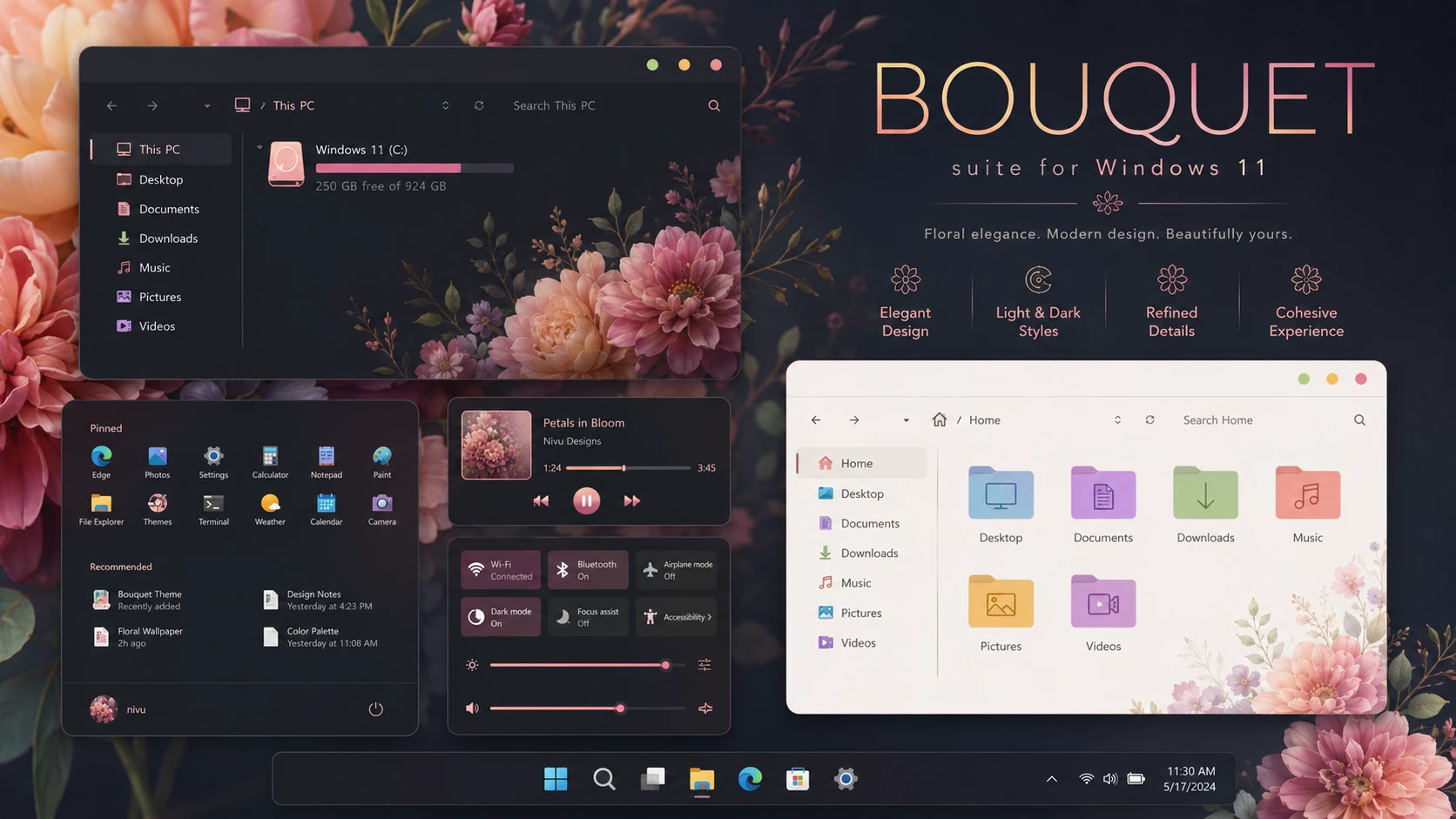
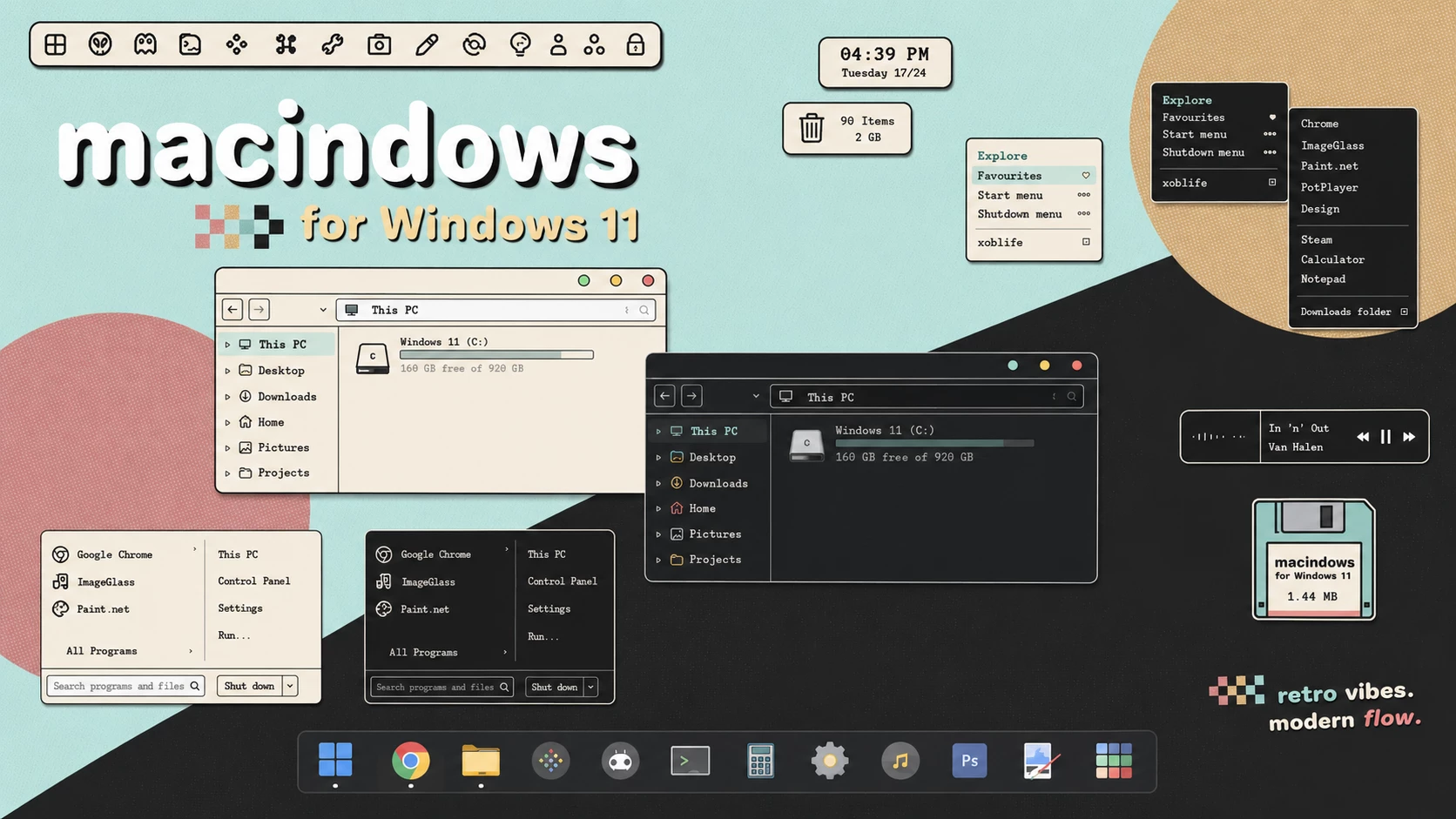
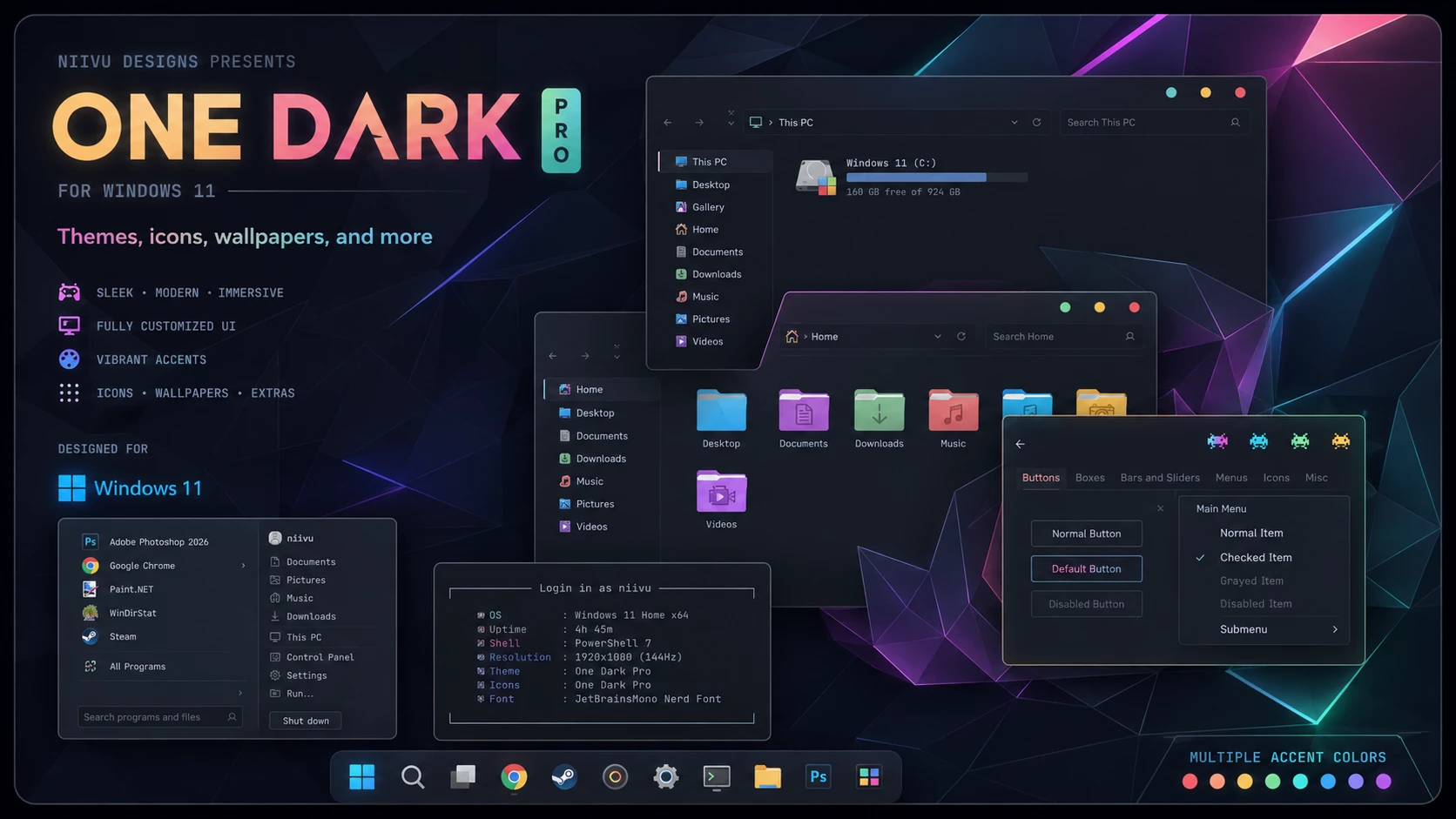
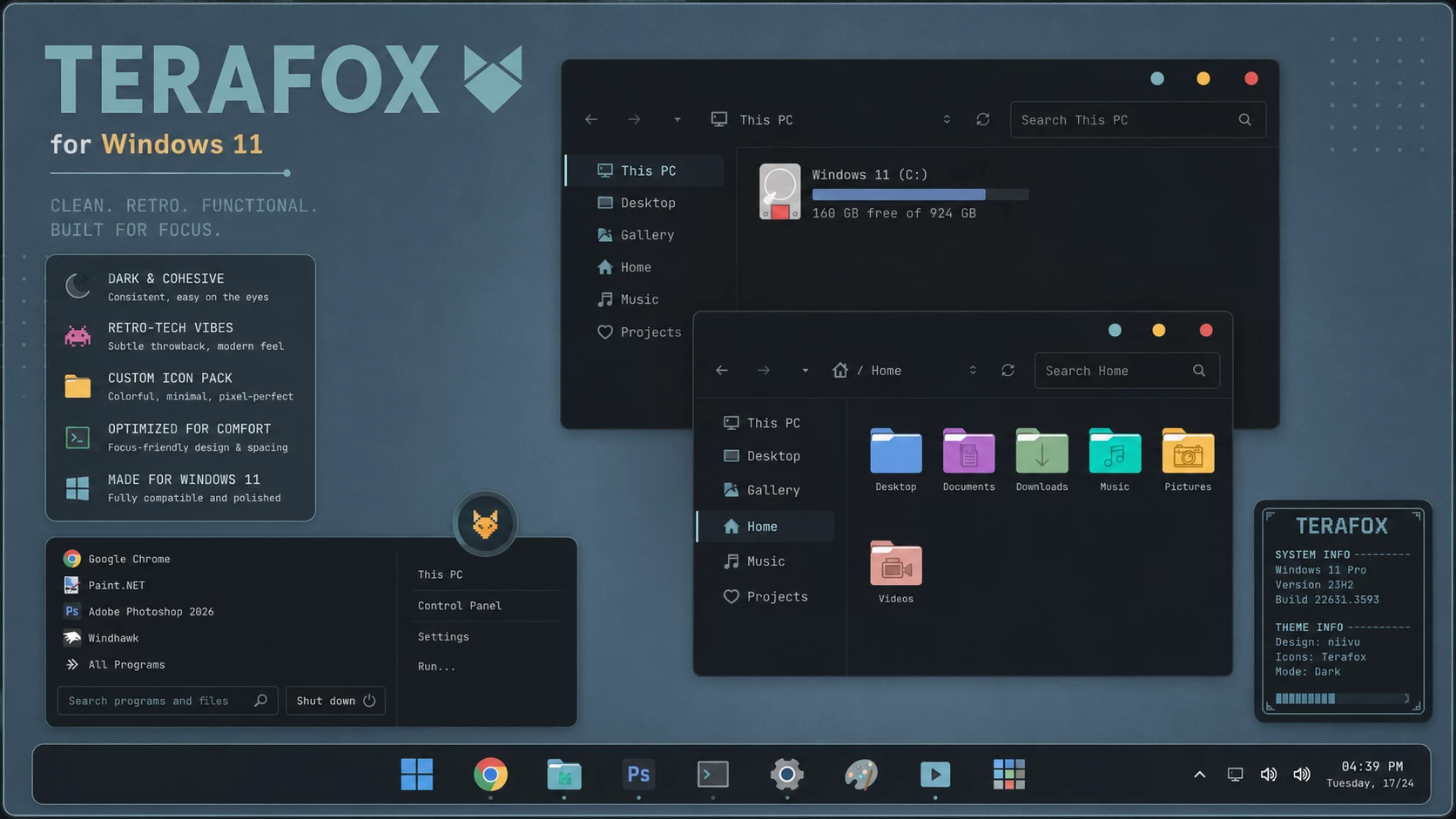
Below are preview screenshots of some beautiful Windows 11 themes. These screenshots help you understand the look, style and visual design before downloading or applying the theme.
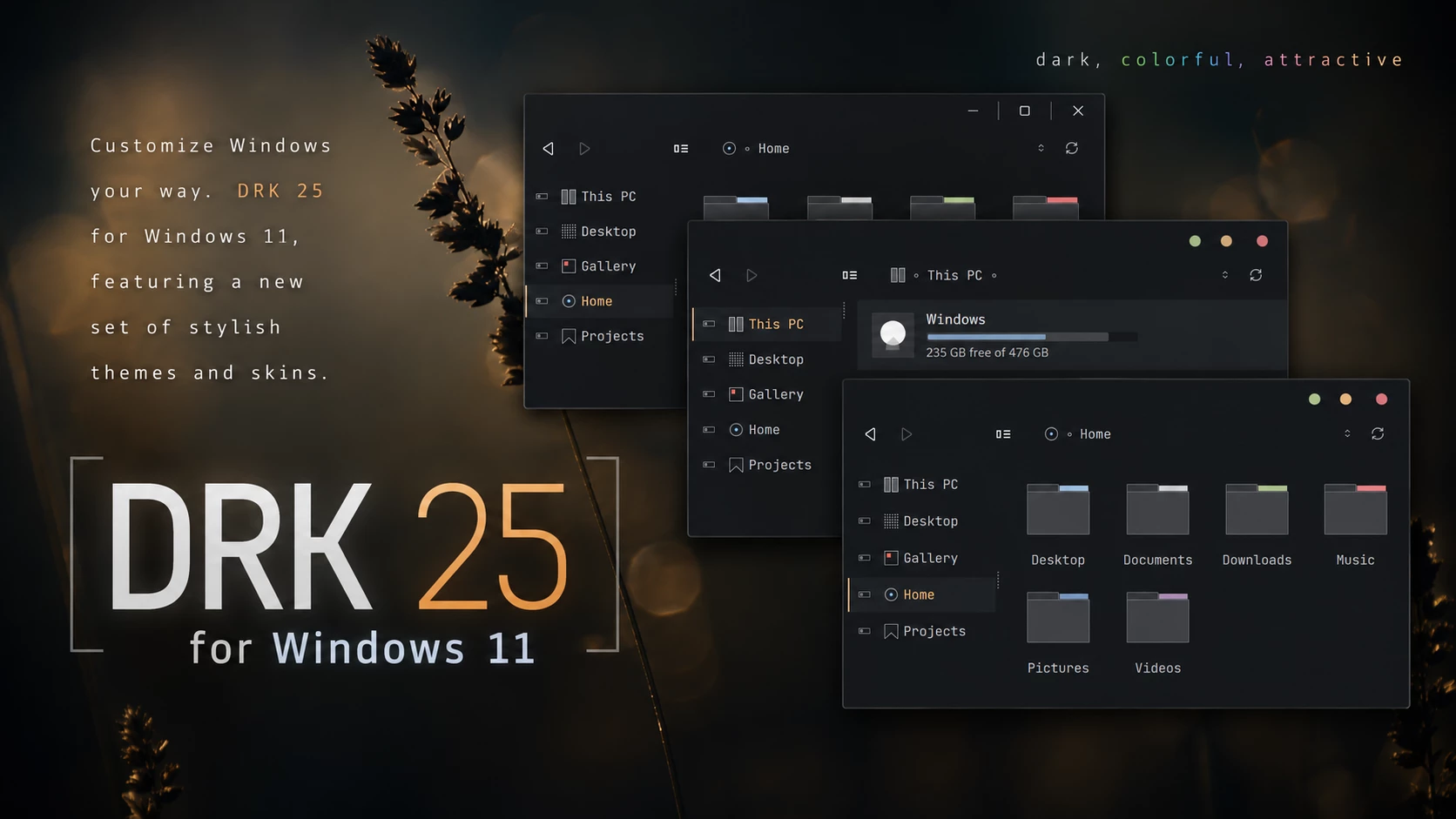
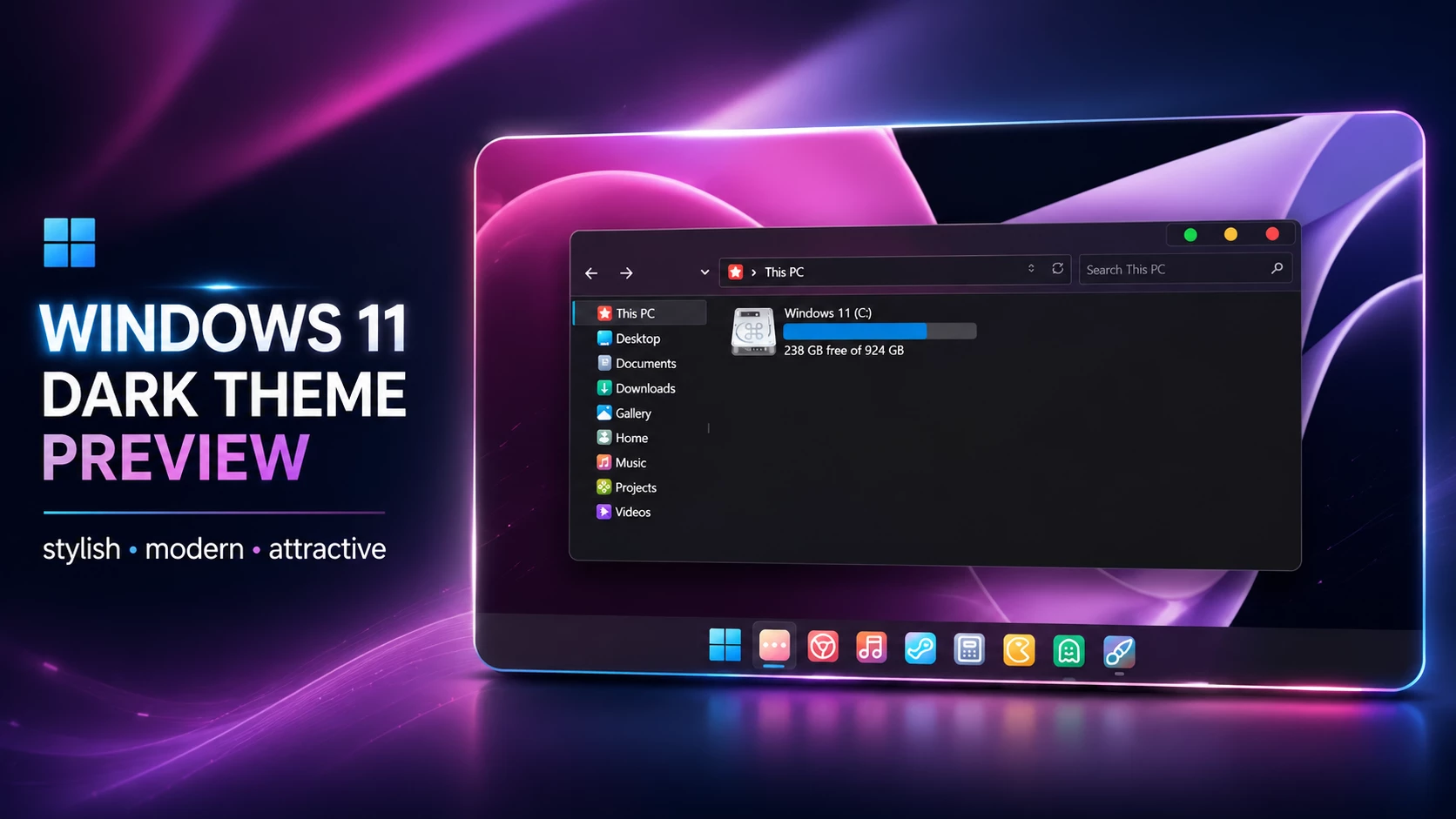
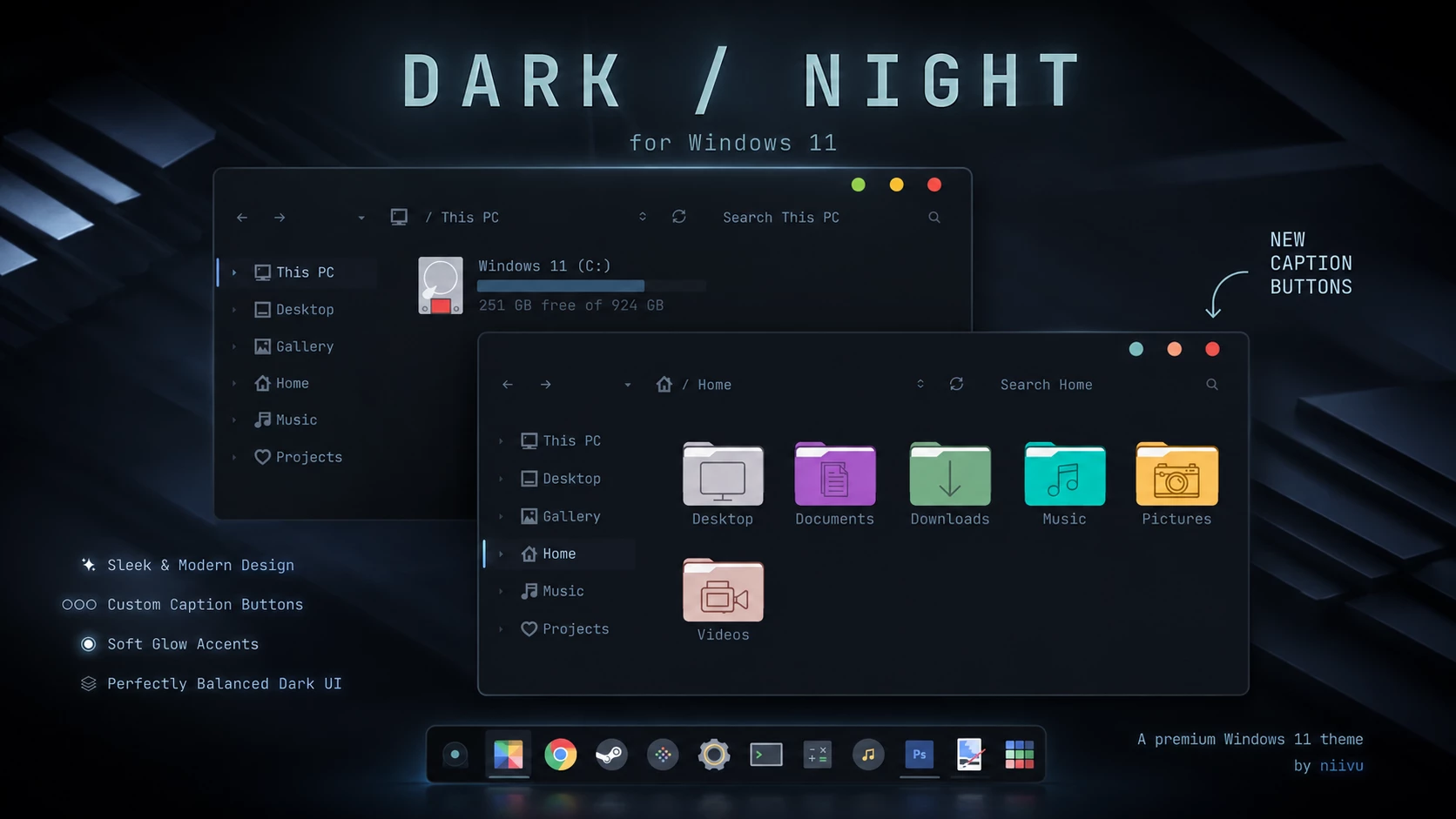
1. DRK ’25 for Windows 11
DRK ’25 is one of the best dark themes for Windows 11. It has a clean, premium and minimal design that is perfect for users who love dark mode. The theme includes multiple modes and caption button choices, making it suitable for a professional desktop setup.
This theme is a great option if you want a darker Windows 11 look with modern icons, smooth visual style and a complete customization feel.
- Best for: Dark desktop setup
- Style: Minimal, dark, modern
- Source: DeviantArt
- Theme Link: DRK ’25 for Windows 11 by niivu
2. winOS for Windows 11
winOS for Windows 11 is a modern theme with a polished and clean visual design. It is suitable for users who want a stylish Windows desktop without making the interface look too heavy or complicated.
The theme includes light, dark and night modes, so users can choose the look that matches their wallpaper and personal style.
- Best for: Modern Windows visual style
- Style: Clean, smooth, premium
- Source: DeviantArt
- Theme Link: winOS for Windows 11 by niivu
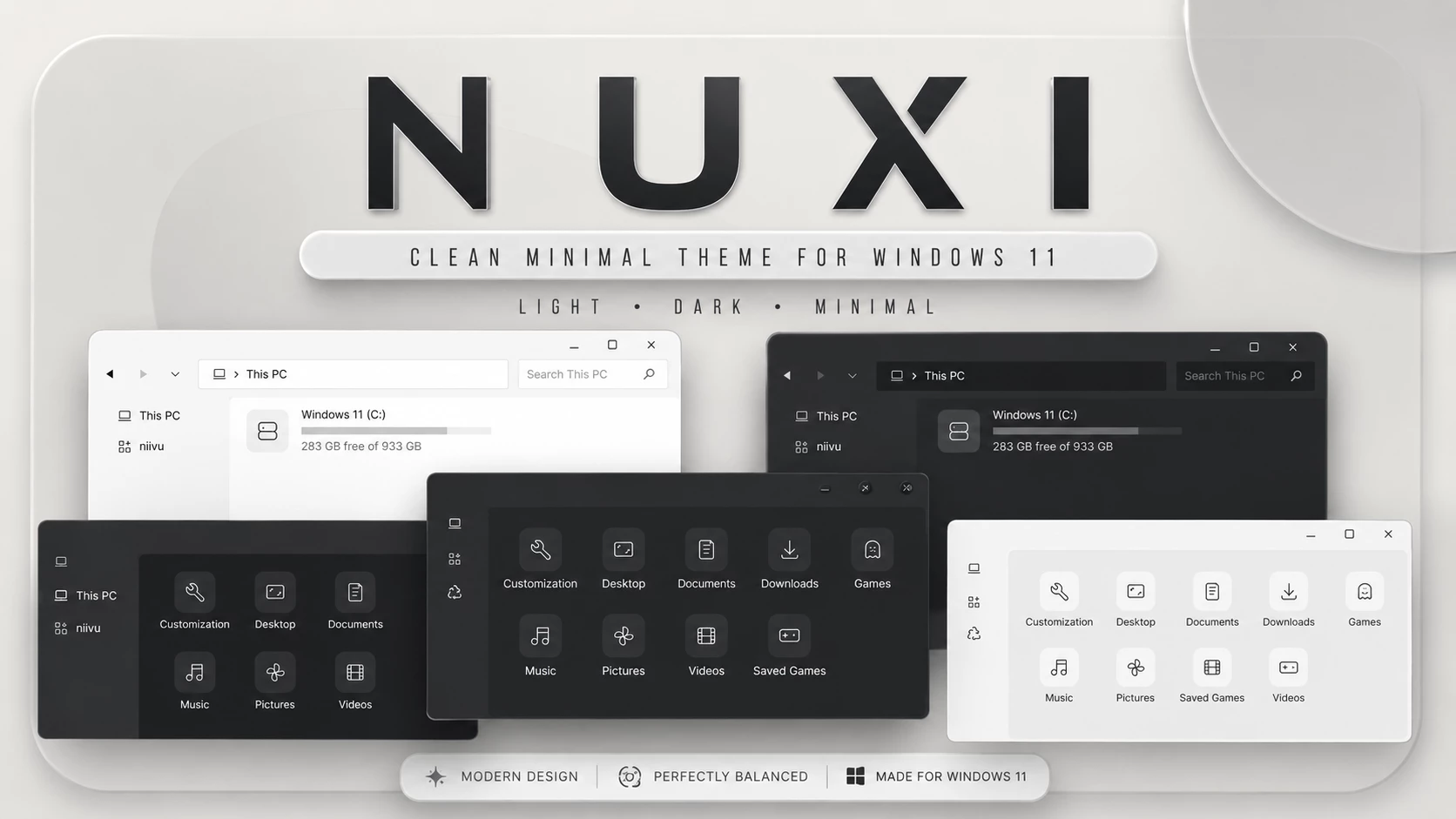
3. NUXI for Windows 11
NUXI is a clean and minimal Windows 11 theme. It is a good choice for people who like a simple desktop with a professional appearance. The design is not too flashy, which makes it perfect for everyday use.
If you want a balanced theme that looks modern but still easy to use, NUXI is a strong choice.
- Best for: Minimal desktop lovers
- Style: Clean, simple, elegant
- Source: DeviantArt
- Theme Link: NUXI for Windows 11 by niivu
4. DELTA for Windows 11
DELTA for Windows 11 is a stylish theme with a modern color approach. It is good for users who want something different from the default Windows 11 design but still want a clean and usable interface.
This theme works well with icon packs, Windhawk styling and matching wallpapers. It is a great option for creating a complete customization showcase.
- Best for: Colorful modern setup
- Style: Digital, clean, modern
- Source: DeviantArt
- Theme Link: DELTA for Windows 11 by niivu
5. Kripton for Windows 11
Kripton is a beautiful theme inspired by Linux-style desktop customization. It gives Windows 11 a unique dark and elegant appearance. The theme is especially suitable for users who like developer-style, Linux-inspired or minimal dark desktop designs.
If you want your Windows 11 desktop to feel more advanced and different from the default look, Kripton is worth trying.
- Best for: Linux-inspired Windows setup
- Style: Dark, clean, advanced
- Source: DeviantArt
- Theme Link: Kripton for Windows 11 by niivu
6. Radiance for Windows 11
Radiance for Windows 11 is a bright and stylish theme with a smooth visual feel. It is a good choice if you want your desktop to look fresh, soft and elegant instead of extremely dark.
The theme is suitable for users who prefer a light or balanced interface with beautiful visual details.
- Best for: Light and elegant desktop
- Style: Soft, bright, clean
- Source: DeviantArt
- Theme Link: Radiance for Windows 11 by niivu
7. Bouquet for Windows 11
Bouquet is a beautiful Windows 11 theme with a soft and polished look. It gives the desktop a pleasant appearance without making the interface too busy.
This theme is good for users who want a calm, clean and visually pleasing Windows 11 setup.
- Best for: Soft aesthetic desktop
- Style: Elegant, calm, polished
- Source: DeviantArt
- Theme Link: Bouquet for Windows 11 by niivu
8. macindows for Windows 11
macindows is perfect for users who want a macOS-inspired look on Windows 11. It combines Windows usability with a cleaner and more rounded design style.
If you like macOS-style themes, rounded buttons, matching icons and a more premium visual experience, this theme can be a very good option.
- Best for: macOS-style Windows setup
- Style: macOS-inspired, clean, modern
- Source: DeviantArt
- Theme Link: macindows for Windows 11 by niivu
9. One Dark Pro for Windows 11
One Dark Pro is a great Windows 11 theme for users who like dark editor-style colors. The design feels clean, focused and modern, making it a good option for developers, students and productivity users.
This theme pairs well with coding wallpapers, dark icons, minimal taskbar setups and Rainmeter widgets.
- Best for: Developer-style dark setup
- Style: Dark, focused, modern
- Source: DeviantArt
- Theme Link: One Dark Pro for Windows 11 by niivu
10. Terafox for Windows 11
Terafox is another stylish theme for Windows 11 that can give your desktop a strong and modern identity. It is useful for users who want a complete theme experience instead of only changing wallpaper.
With matching icons, wallpaper and visual style, Terafox can help you build a clean Windows 11 customization setup.
- Best for: Complete Windows 11 transformation
- Style: Modern, detailed, stylish
- Source: DeviantArt
- Theme Link: Terafox for Windows 11 by niivu
Best Official Windows 11 Themes Alternative
If you do not want to use third-party visual styles, the safest option is to use Microsoft Store themes. Official Windows themes usually include wallpapers and accent colors, and they can be applied directly from Windows Settings.
You can browse Microsoft themes from this official page: Windows Themes on Microsoft Apps.
How to Install Windows 11 Themes Safely
- Create a system restore point before making deep customization changes.
- Download themes only from official creator pages or trusted sources.
- Read the included documentation or readme file carefully.
- Check whether the theme supports your Windows 11 version.
- Install one theme or customization tool at a time.
- Avoid cracked tools, repacked installers and suspicious download buttons.
- If something looks broken after a Windows update, switch back to the default Windows theme first.
Recommended Tools for a Complete Windows 11 Theme Setup
Some themes may need extra tools for full setup. Always use official links only.
- SecureUxTheme: Helps apply third-party visual styles. Official GitHub
- Windhawk: Useful for taskbar, Start menu and UI mods. Official Website
- Rainmeter: Used for desktop widgets and skins. Official Website
- Microsoft Store Themes: Safest option for official Windows themes. Official Microsoft Apps
Which Windows 11 Theme Should You Choose?
If you want a dark and professional setup, choose DRK ’25, Kripton or One Dark Pro. If you want a clean and minimal look, choose NUXI, winOS or Radiance. If you like macOS-style customization, macindows is a great choice. For official and safest customization, use themes from the Microsoft Store.
Final Thoughts
These top 10 Windows 11 themes can completely change the look of your desktop. Whether you like dark themes, macOS-inspired themes, clean minimal designs or official Microsoft themes, there is something for every type of user.
For the safest experience, always download from official creator pages, read the installation guide and create a restore point before applying third-party visual styles. With the right theme, wallpaper, icons and widgets, your Windows 11 desktop can look more modern, personal and professional.
Frequently Asked Questions
Are Windows 11 third-party themes safe?
Third-party themes can be safe when downloaded from trusted creator pages, but you should always read the guide, check compatibility and create a restore point before applying them.
Where can I download official Windows 11 themes?
You can download official Windows themes from Microsoft Apps or browse themes from Windows Settings under Personalization > Themes.
Do I need SecureUxTheme for Windows 11 themes?
For many third-party visual styles, a theme tool such as SecureUxTheme may be required. However, official Microsoft Store themes do not need third-party patching.
Can Windows updates break custom themes?
Yes, major Windows updates can affect third-party themes or customization tools. If that happens, switch back to the default theme and update the required tools.
Which Windows 11 theme is best for dark mode?
DRK ’25, Kripton and One Dark Pro are good choices for dark mode lovers.