
RainXTheme
Explore free Windows themes, icon packs, Rainmeter skins, wallpapers, Windhawk styles, and useful tools to customize your Windows desktop with a modern and premium look.
Windows Customization Hub
Themes • Icons • Skins • Tools • Guides
Windows Themes
Give your Windows desktop a fresh, premium, and modern appearance.
Custom Icons
Refresh folders, drives, files, and system icons with stylish icon packs.
Customization
Learn safe ways to customize taskbar, start menu, explorer, and desktop.
Performance
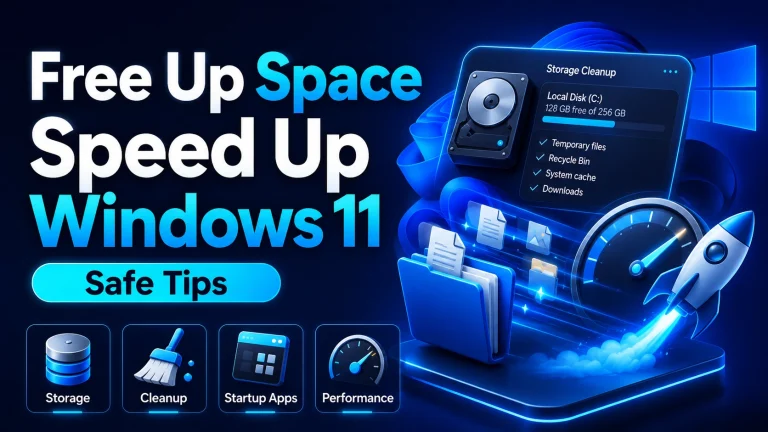
Use lightweight themes and tools carefully to keep your PC running smoothly.
Latest Posts
Check our latest themes, icons, skins, tools, guides, and tech news.
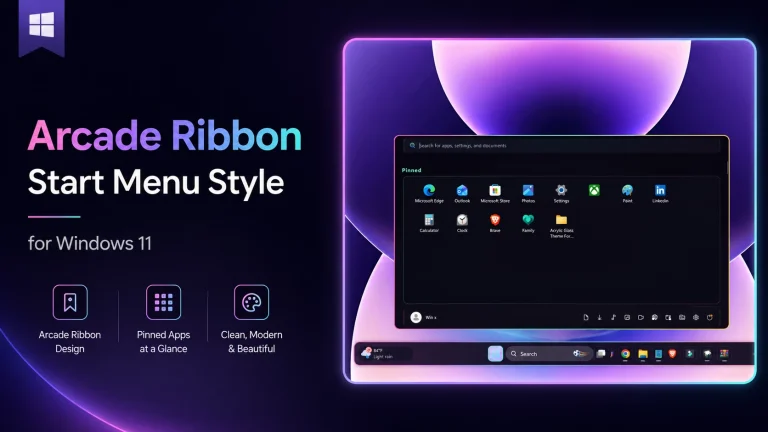
Arcade Ribbon Start Menu Style for Windows 11
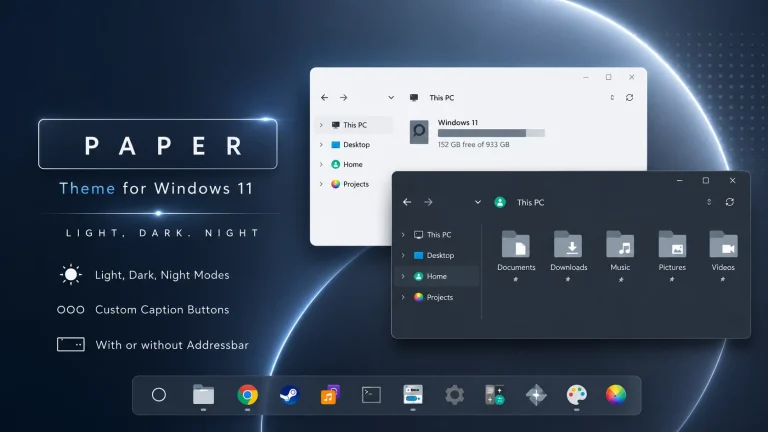
Paper Theme for Windows 11
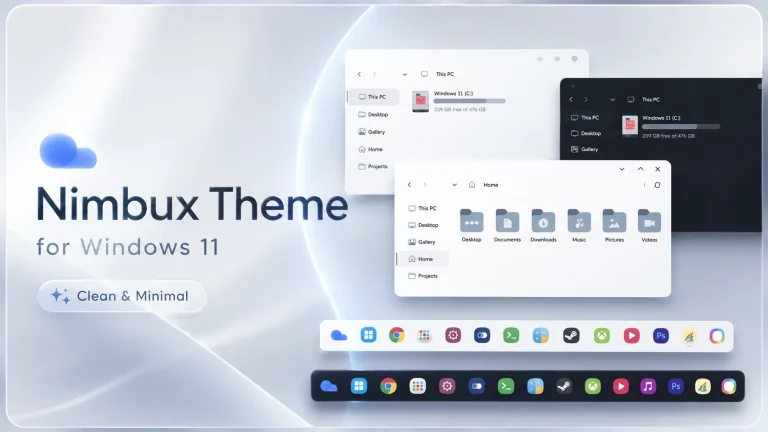
Nimbux Theme for Windows 11
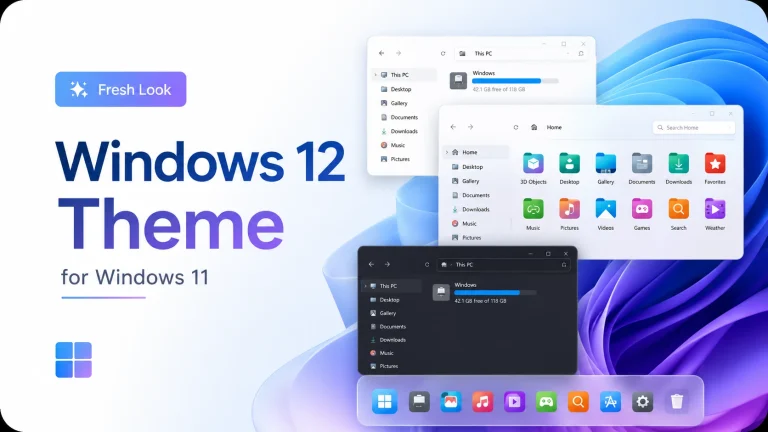
Windows 12 Theme for Windows 11
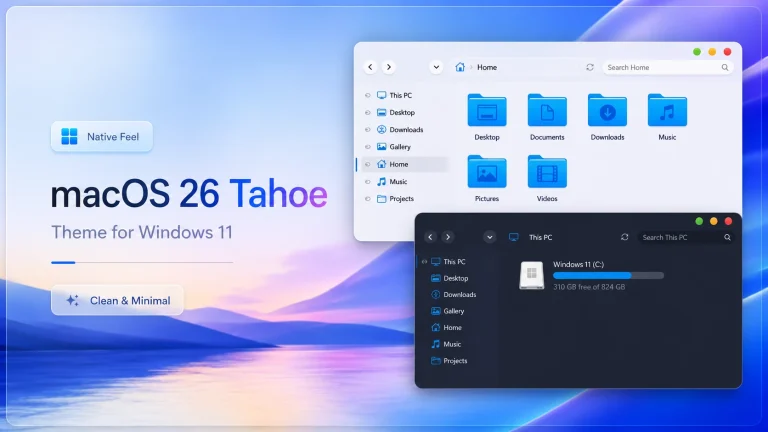
macOS 26 Tahoe Theme for Windows 11
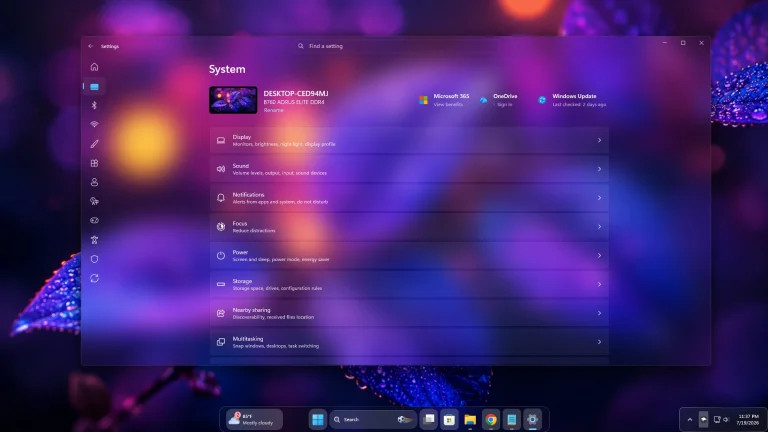
Amazing Glass Settings Styler For Windows 11
Windows 11 Themes
Make Windows 11 look clean, modern, glassy, dark, or futuristic.
Paper Theme for Windows 11
Nimbux Theme for Windows 11
Windows 12 Theme for Windows 11
Windows 10 Themes
Discover beautiful themes to transform your Windows 10 desktop.
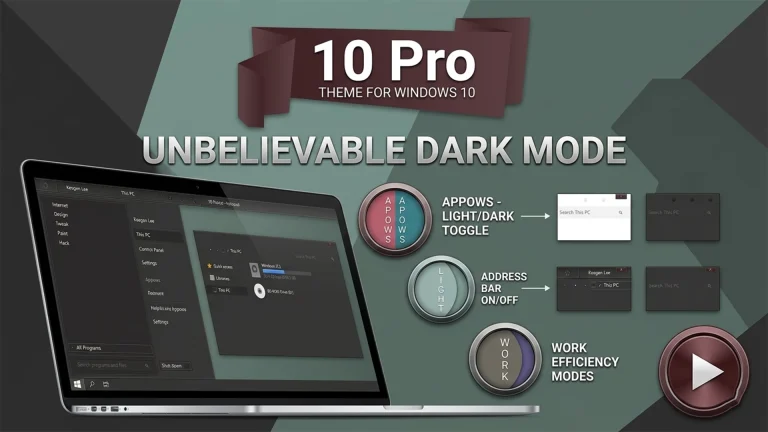
New Stunning 10 Pro Theme For Windows 10
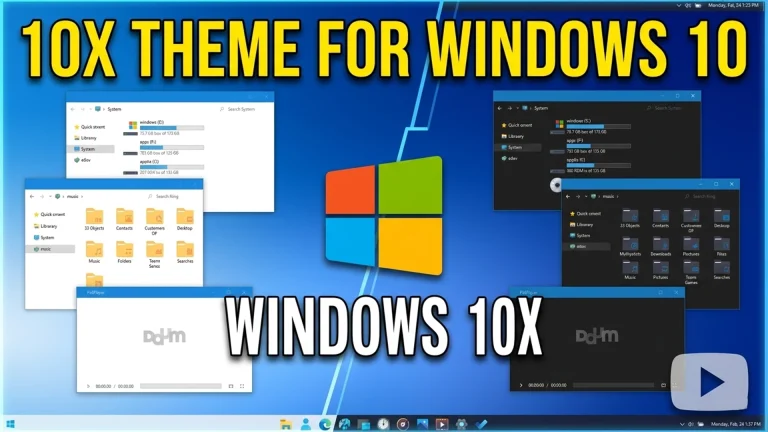
Incredible 10X Theme For Windows 10
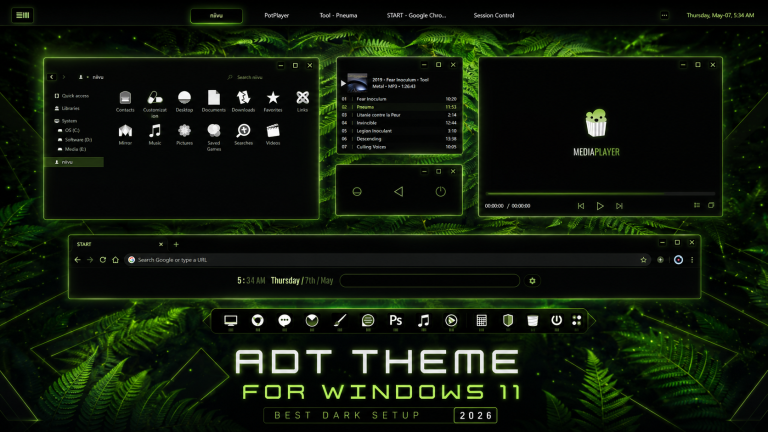
Best Elegant ADT Theme For Windows 10
Rainmeter Skins
Customize your desktop with widgets, clocks, launchers, and system monitors.
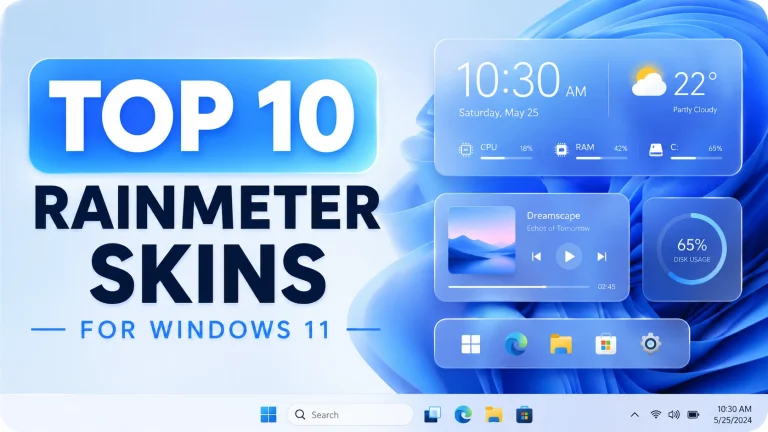
Top 10 Rainmeter Skins
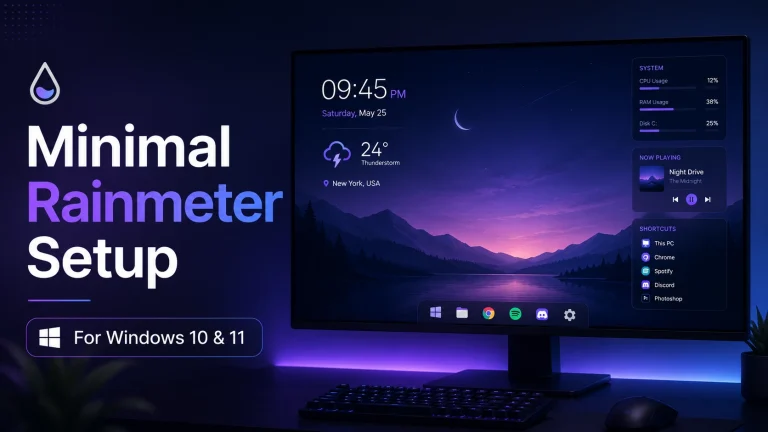
Minimal Rainmeter Desktop Setup For Windows 10 & 11
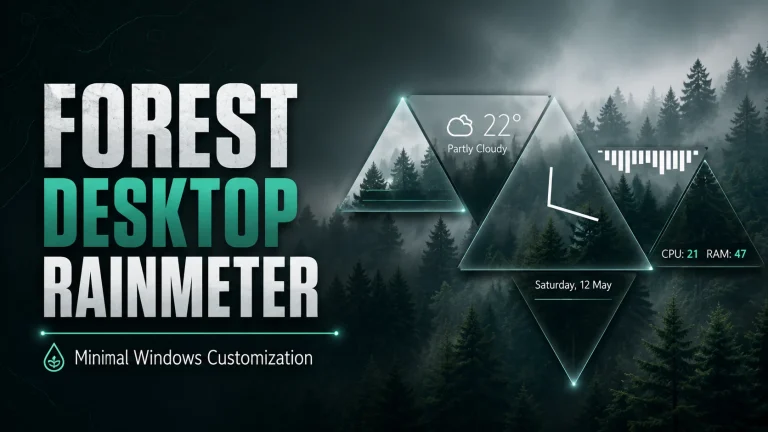
New Forest Desktop Rainmeter Setup for Windows
How To Guide
Useful tools for applying themes, icons, skins, and Windows desktop styles.
Frequently Asked Questions
New users often face common problems while installing Windows themes and icons. Here are some simple answers.
Do I need Theme Patcher for custom Windows themes?
Yes, most third-party Windows themes need a theme patcher before they can work properly.
Should I create a restore point before customization?
Yes, creating a restore point is strongly recommended before installing themes, icons, or system customization tools.
Will custom themes slow down my PC?
Most themes only change the visual style, but heavy widgets, animated skins, or unsupported tools may affect low-end PCs.
Which icon pack should I use?
For Windows 10 and Windows 11, 7TSP icon packs are popular. For older Windows versions, iPack icons may be more suitable.